Switch to eSIM and, based on how casually carriers talk about it, you’d think nothing else changes — same number, same plan, just no physical card anymore. Most of that turned out to be true, but a few details caught me off guard: a backup phone that suddenly couldn’t take my old SIM out and pop it in, a very specific mistake during setup that briefly left me with no signal at all, and a small but real convenience I hadn’t expected to care about.
Here’s what actually changed, and what I wish I’d known before starting.
What an eSIM Actually Is

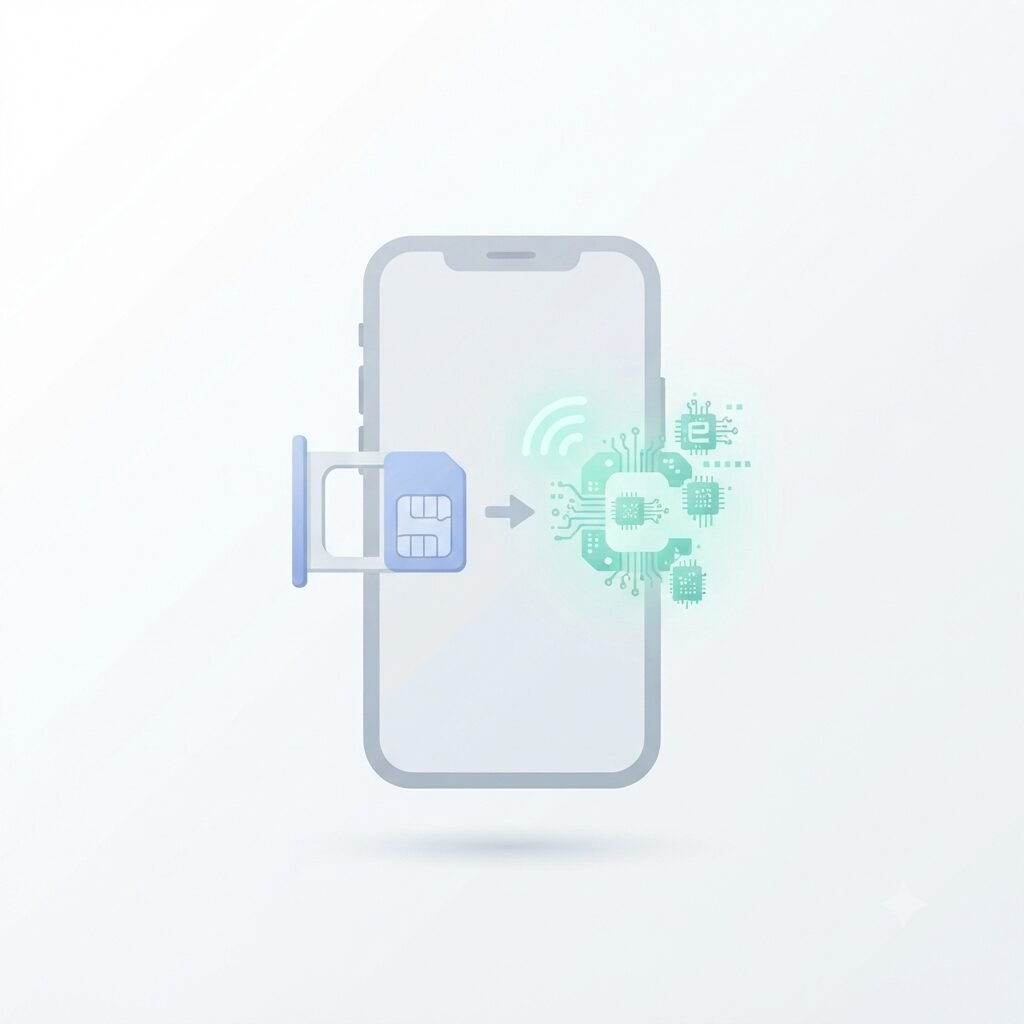
An eSIM is a SIM card built directly into the phone’s hardware rather than a removable physical card. Instead of inserting anything, the carrier’s profile is downloaded and activated digitally, usually by scanning a QR code or through the carrier’s app.
Functionally, it does the same job as a physical SIM — connecting the phone to the carrier network — just without a slot, a tray tool, or a card that can be lost, bent, or left behind when switching phones.
What Actually Transferred Smoothly
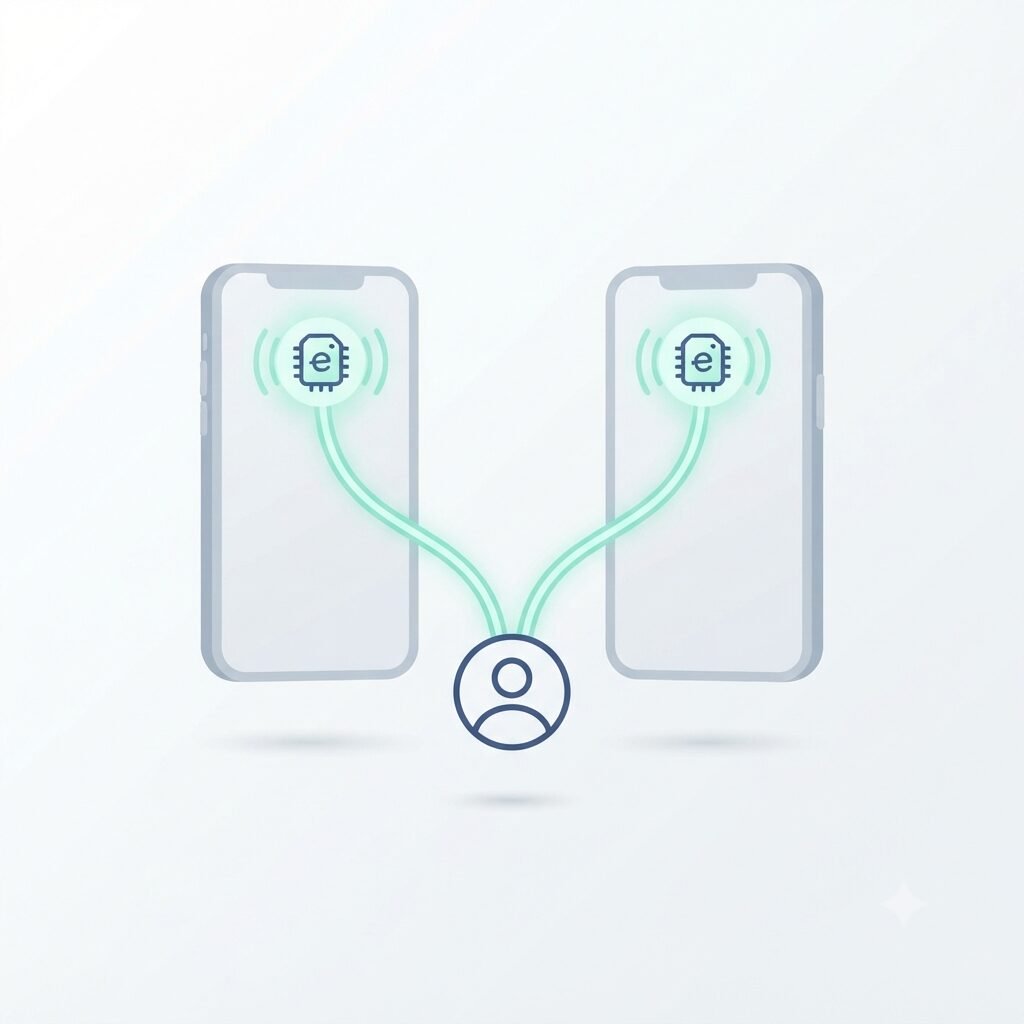
The number and account stayed identical. Switching from physical SIM to eSIM on the same carrier didn’t involve porting anything, since the underlying account wasn’t changing, just the physical medium connecting to it.
Setup itself took only a few minutes. Scanning the activation QR code from the carrier’s website or app installed the profile almost immediately, with the phone confirming signal within a couple of minutes afterward.
Dual SIM became far more practical. Since an eSIM and a physical SIM slot (on phones that still have one) can run simultaneously, running a personal line and a second number side by side became simpler than juggling two physical cards ever was.
The One Mistake That Caused a Real Problem
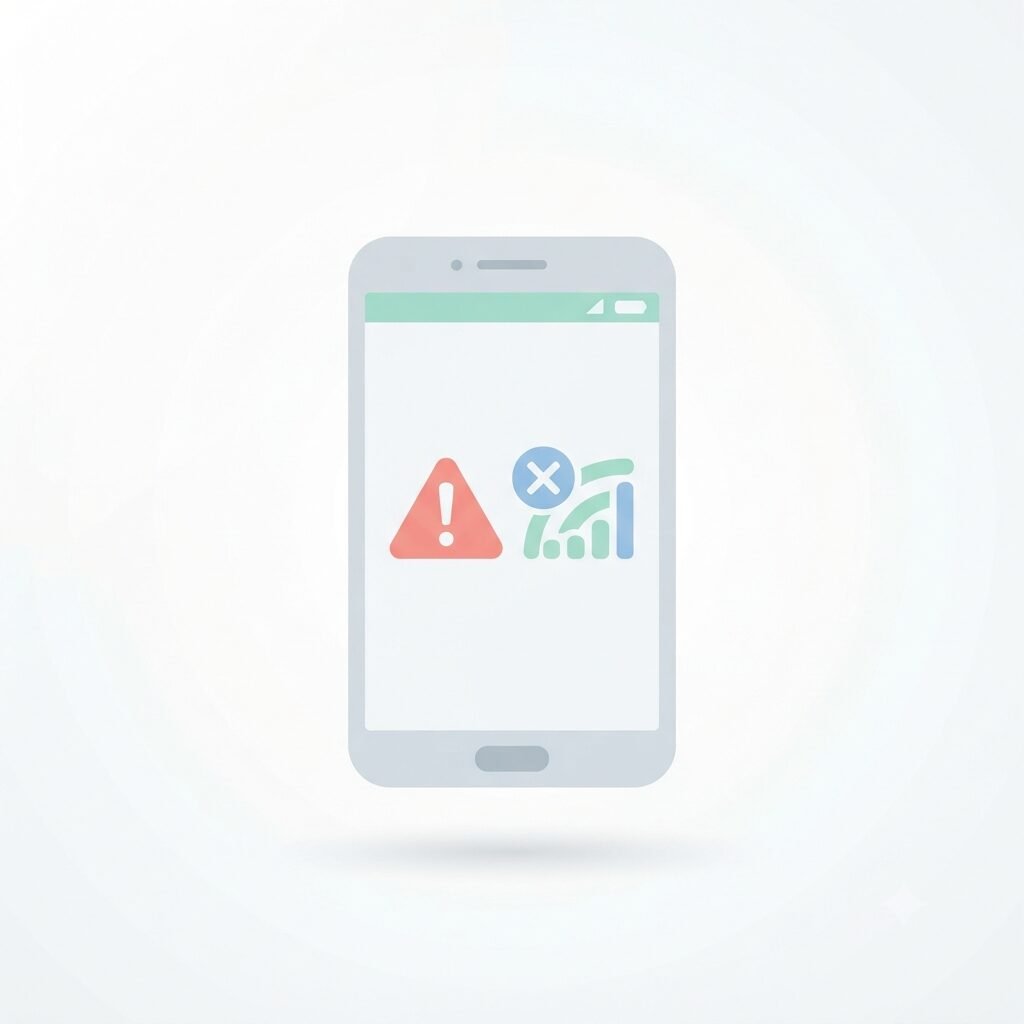
The single thing that actually caused an issue was removing the old physical SIM and, out of habit, deleting the eSIM profile from a previous device before confirming the new device had fully activated its own copy.
Some carriers only allow one active eSIM profile per line at a time, and transferring between devices isn’t always instant. For about twenty minutes, neither device had a working connection until the new phone’s profile finished activating on the carrier’s end. Waiting for the new device to show a confirmed active connection before removing anything from the old one would have avoided this entirely.
What Doesn’t Work the Same Way Anymore

No more physically swapping SIMs between phones. A backup or loaner phone that used to work instantly by popping the physical card in now requires re-activating an eSIM profile on it, which takes a few minutes rather than being immediate.
Switching phones requires an extra step during setup, since backup and restore alone won’t move the eSIM profile — it needs to be transferred or reactivated separately, which is worth doing at the same time as restoring everything else. I covered the rest of that process in my iPhone backup guide and Android backup guide.
Traveling internationally works differently. Adding a local eSIM for travel is often simpler than swapping a physical SIM at an airport kiosk, since many local eSIM plans can be purchased and activated digitally before even leaving home.
Frequently Asked Questions
Can I switch back to a physical SIM if I don’t like eSIM? Usually yes, as long as the phone still has a physical SIM slot and the carrier supports issuing a new physical card for the account, though this typically requires contacting the carrier rather than being an in-phone setting.
Does eSIM work the same way when switching carriers, not just switching to eSIM on the same carrier? Yes, the porting process for a phone number works the same regardless of whether the new carrier uses eSIM or physical SIM, since number porting and SIM technology are handled as separate steps.
Is it risky to delete an eSIM profile by mistake? It’s recoverable in most cases by re-scanning the same activation QR code or contacting the carrier for a new one, but it will temporarily interrupt service until reactivated, similar to what happened during my own setup mistake.
Do all phones support eSIM? Most phones released in the last several years support it, though some regions and specific carrier-locked models don’t, and newer US models increasingly ship as eSIM-only with no physical tray at all.
The Real Takeaway
Switching to an eSIM changed almost nothing about daily use once it was set up, but it removed the ability to instantly swap a physical card between devices, replacing it with a short digital re-activation step instead. The one real risk is timing — deleting an old profile before a new device’s copy is confirmed active is the mistake most likely to cause an actual interruption.
📍 Read Next: If you’re switching phones along with your SIM setup, make sure your data actually moves with you — the iPhone Backup Guide and Android Backup Guide cover what to check first.