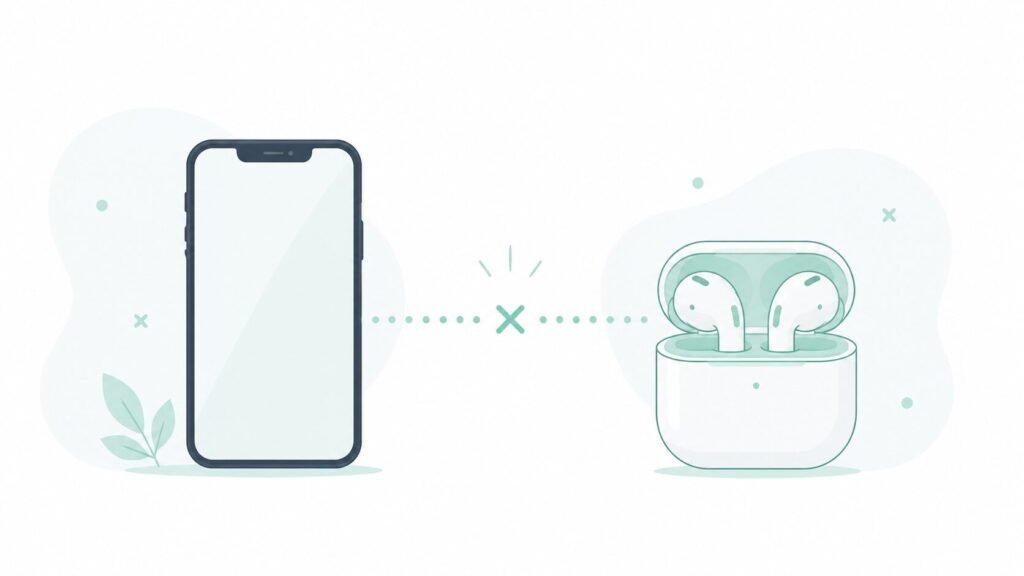
Bluetooth keeps disconnecting was the exact phrase I typed into search more times than I’d like to admit, usually mid-call with earbuds cutting out or mid-drive with the car losing my phone’s connection for a few seconds at a time. Every forum thread suggested something different, and most of the fixes sounded like guesses rather than anything actually tested.
So I went through the common suggestions one at a time, over a couple of weeks, tracking which ones actually reduced the dropouts and which ones did nothing. Here’s what actually worked.
Why Bluetooth Actually Disconnects
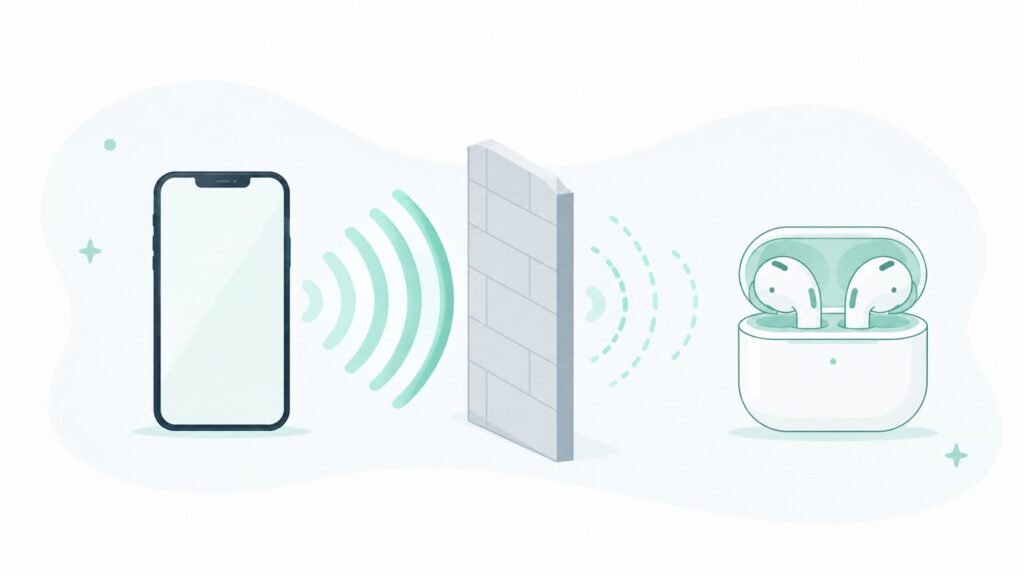
Most dropouts trace back to one of a few specific causes, even though they can feel random in the moment.
Interference from other wireless signals is a common culprit, since Bluetooth shares similar frequency ranges with Wi-Fi and other nearby devices, especially in crowded environments with lots of connected devices around.
Battery optimization settings on the phone can aggressively limit background activity for the Bluetooth connection itself, particularly on Android, which sometimes causes drops that look like a hardware issue but are actually a software setting.
A corrupted pairing profile builds up over time on some devices, especially ones paired and unpaired repeatedly across multiple phones or computers.
Simple distance and obstruction matters more than people expect — walls, especially ones with metal or plumbing inside them, degrade Bluetooth range noticeably more than open air.
What I Tested
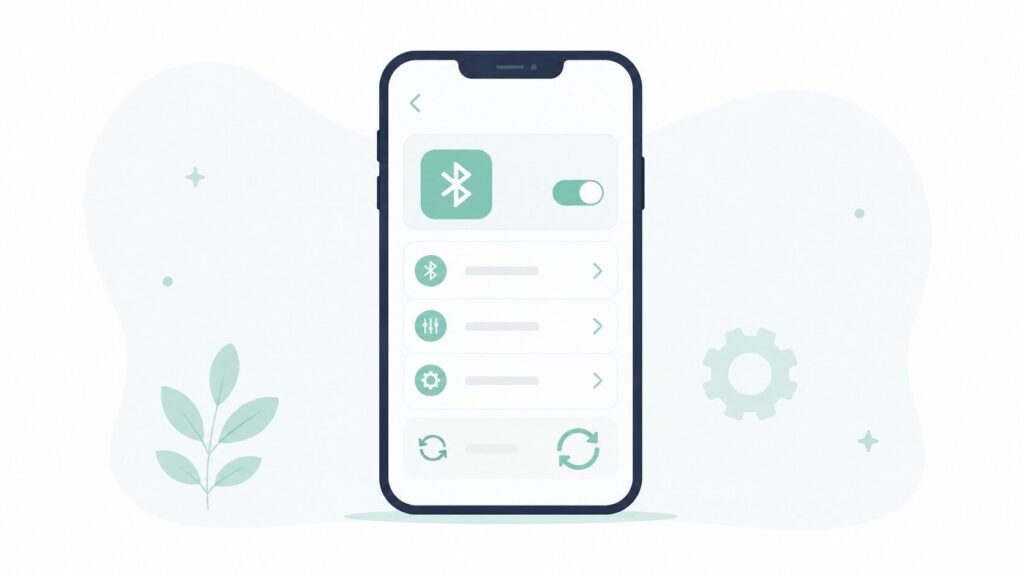
Restarting Bluetooth off and on between each session, rather than leaving it running continuously for weeks at a time.
Forgetting the device and re-pairing from scratch, clearing out whatever pairing profile had built up.
Turning off battery optimization specifically for Bluetooth or the connected device’s companion app, on Android.
Moving away from other wireless devices during a call or audio session to rule out interference specifically.
What Actually Fixed It
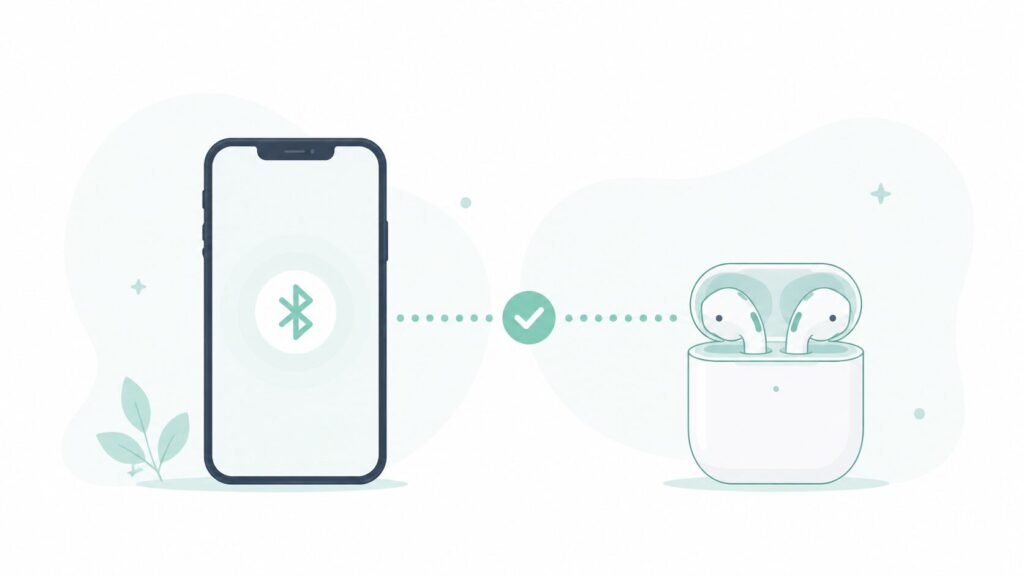
Forgetting the device and re-pairing had the biggest, most consistent impact. Dropouts that had been happening multiple times a day nearly disappeared for about a week afterward, before very gradually creeping back.
Turning off battery optimization for the connected app made a smaller but real difference, particularly for dropouts that happened specifically when the phone’s screen was off, which had been one of the more frustrating patterns before the change.
Simply restarting Bluetooth on and off did almost nothing on its own, beyond the temporary fix of ending whatever specific glitch was happening in that moment.
Moving away from other devices confirmed interference was a real factor sometimes, but wasn’t practical as an ongoing fix since it’s not something you can control in a car or a crowded office.
When It’s Not a Software Problem
If re-pairing and adjusting battery settings don’t meaningfully help, a few other things are worth ruling out before assuming it’s unfixable.
Check whether the issue is specific to one device or all Bluetooth connections. A problem isolated to a single pair of earbuds or one car system points toward that specific device rather than the phone itself.
Update firmware on the connected accessory, not just the phone, since earbuds and car systems often have their own firmware that can be outdated and cause exactly this kind of intermittent dropout.
Consider battery age on the accessory itself, since some Bluetooth devices become noticeably less stable as their own battery degrades, well before it becomes obvious the accessory needs replacing.
If the dropouts happen specifically over Wi-Fi-adjacent networks rather than Bluetooth, it’s worth ruling out a broader connectivity issue first — I covered the most common causes in my Wi-Fi troubleshooting guide.
Frequently Asked Questions
Does re-pairing a Bluetooth device delete anything important? No — forgetting and re-pairing only clears the connection profile between the two devices, not any data, settings, or content stored on either device.
Why does Bluetooth disconnect more often in the car specifically? Cars tend to combine several dropout factors at once — moving in and out of range as the phone shifts position, physical obstruction from the car’s interior, and sometimes interference from other nearby vehicles’ systems.
Does having too many Bluetooth devices paired at once cause disconnections? It can, particularly on older phones with more limited Bluetooth radios, since maintaining multiple simultaneous connections uses more processing and can make the connection less stable overall.
Should I turn off Bluetooth completely when not using it to prevent future issues? It’s not necessary for preventing disconnection issues specifically, though it can help battery life modestly — the dropout problems tested here were tied to pairing and settings, not whether Bluetooth was left on in general.
The Real Fix
Re-pairing from scratch outperformed every other fix tested, addressing whatever accumulated pairing issue was causing the most frequent drops, while battery optimization settings handled a smaller but specific pattern of dropouts tied to screen-off use. Restarting Bluetooth alone, despite being the most commonly repeated advice, did the least.
📍 Read Next: If connectivity issues aren’t limited to Bluetooth, a broader network problem might be the real cause — Wi-Fi Connected But No Internet? 5 Ways to Fix Your Phone’s Network Glitches covers the troubleshooting steps that catch most of it.