VPN on public wifi is advice most people have heard so many times they stopped questioning it. VPN on public Wi-Fi is advice that’s been repeated so consistently for so long that I’d never actually questioned whether it still applied. The warnings I first heard years ago were mostly about coffee shop Wi-Fi and hackers snooping on unencrypted traffic, but browsing itself has changed a lot since then. So I spent a few weeks paying closer attention to what was actually happening on my connections at cafes, airports, and hotels, with and without a VPN turned on, to see how much of the old advice still held up.
The answer turned out to be more nuanced than either “still absolutely necessary” or “outdated advice,” depending specifically on what you’re doing on that network.
Why the Original Warning Existed
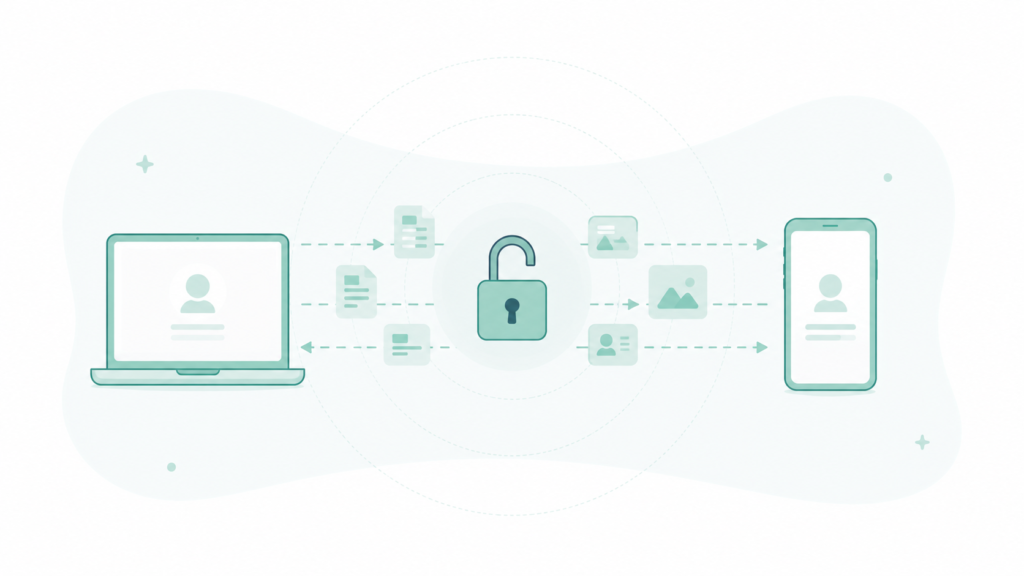
The classic public Wi-Fi warning dates back to when a large share of web traffic wasn’t encrypted by default. On an open network without encryption, anyone else on that same network with basic tools could potentially see the raw data passing between a device and a website — login credentials, messages, anything sent in plain text.
That specific vulnerability has shrunk significantly since then, mostly because of a change that happened at the website level rather than anything users had to do themselves.
What’s Actually Different Now
HTTPS became the overwhelming default. The vast majority of websites now encrypt traffic between the browser and the site automatically, which means the specific “someone reads your raw data on the same network” scenario the original warning was built around is far less common than it used to be.
Apps generally encrypt their own traffic too, independent of the Wi-Fi network itself, since most major apps and services build encryption into how they communicate regardless of what network carries that traffic.
What HTTPS and app encryption don’t hide: which websites or apps you’re connecting to, even if the content itself is protected. Someone monitoring the same network can still see metadata — the sites visited, not what was typed into them.
What a VPN Actually Adds on Top of That
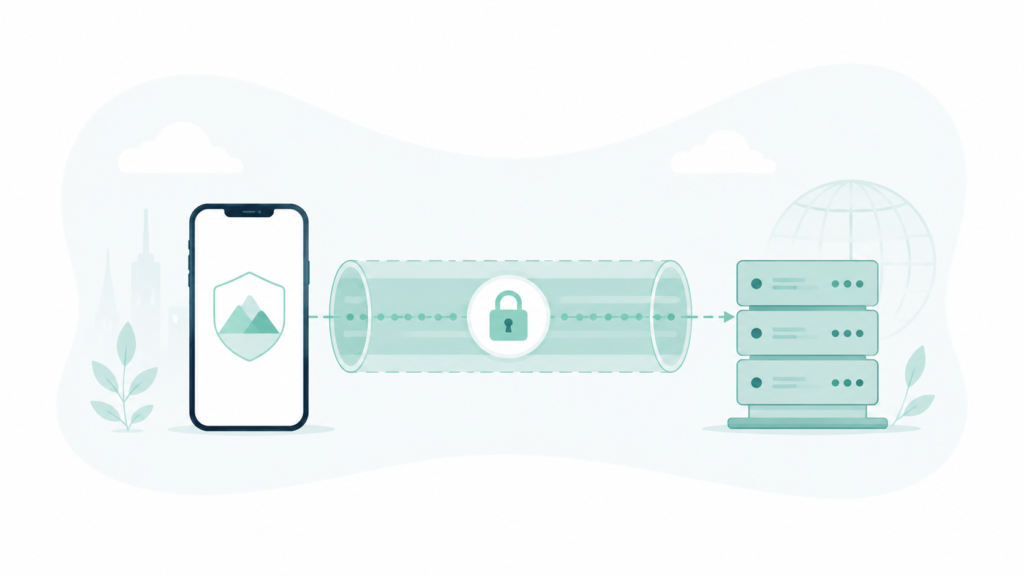
A VPN encrypts the entire connection between the device and the VPN’s own servers, which closes the metadata gap HTTPS alone doesn’t cover, and adds a layer of protection on networks specifically set up to intercept traffic rather than just passively observe it.
Where a VPN still clearly matters: networks you don’t trust at all — an open network with a generic name at an airport, a network set up specifically to look legitimate but isn’t, or any situation where the network operator itself might be actively hostile rather than just public and unencrypted.
Where the risk is genuinely lower now: a known, legitimate business’s Wi-Fi (an actual coffee shop, an actual hotel), doing typical browsing on HTTPS sites and using apps that already encrypt their own traffic.
What I Actually Noticed During the Test
Checking connection details across several public networks, every site visited during normal browsing used HTTPS without exception, and every major app checked used its own encryption regardless of the VPN being on or off.
The practical difference a VPN made was hardest to notice for routine browsing, and clearest for two specific things: hiding which sites were visited from anyone monitoring the network, and adding protection on networks with no way to verify who actually operates them, which described several airport and hotel networks encountered during testing.
If protecting personal data more broadly is the actual goal, it’s worth checking device-level settings as well, since a lot of exposure happens through account and app permissions rather than the network connection itself — I covered that in my phone privacy audit.
Frequently Asked Questions
Is it still risky to log into a bank account on public Wi-Fi without a VPN? The login itself is protected by HTTPS regardless of VPN use, but a VPN adds a layer of protection specifically against network-level monitoring of which sites are being visited, which is a reasonable extra precaution for sensitive accounts even if the core data itself is encrypted either way.
Do free VPN apps provide the same protection as paid ones? Not always — some free VPN services have been found to log or sell user data themselves, which can undermine the privacy benefit being sought in the first place, so checking a provider’s actual privacy practices matters more than whether it’s free or paid.
Does a VPN slow down my internet connection? Usually somewhat, since traffic is routed through an additional server, though the amount varies significantly by provider and server location.
Is using my phone’s mobile data instead of public Wi-Fi automatically safer? Generally yes, since mobile data connections are encrypted at the network level in a way open Wi-Fi typically isn’t, making it a reasonable alternative when a VPN isn’t available and the Wi-Fi network’s legitimacy is uncertain.
The Real Answer
The specific scenario the original public Wi-Fi warning was built around — someone reading raw, unencrypted data over a shared network — is far less common now that HTTPS and app-level encryption are the default rather than the exception. A VPN still adds real value, particularly on networks with no clear legitimate operator, but the risk of routine browsing on a known business’s Wi-Fi is meaningfully lower than the original advice assumed. That’s the real trade-off worth remembering next time you’re deciding whether to turn on a VPN on public wifi.
📍 Read Next: If protecting personal information is the broader goal, the device settings themselves are worth a look too — I Did a Privacy Audit on My Own Phone. It Was Uncomfortable. covers what I found.