Focus mode had been sitting untouched on my phone for months, mostly because the default setup felt too vague to bother configuring properly. So I spent a week actually setting up and using every mode available — Work, Personal, Sleep, and a custom one — instead of just toggling Do Not Disturb on and off like I usually did.
Some of it cut real interruptions. Some of it turned out to be more setup than it was worth for how little it changed day to day.
What Focus Modes Actually Do
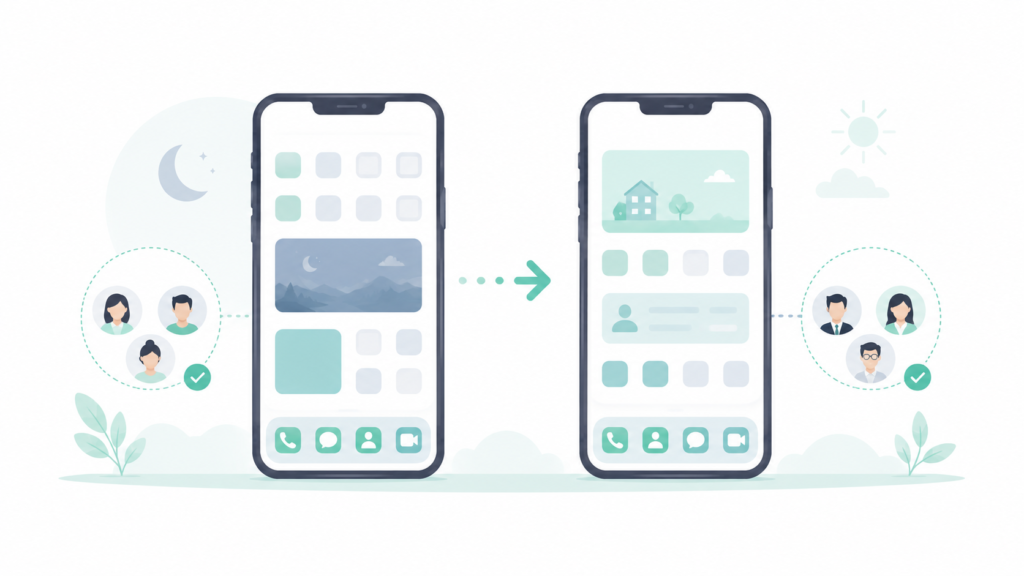
Focus modes go further than a simple Do Not Disturb toggle by letting notifications, home screen apps, and even lock screen layout change automatically based on which mode is active.
Each mode can be configured with its own allowed contacts, allowed apps, and a schedule or location trigger that switches it on automatically, rather than requiring it to be turned on manually every time.
The One-Week Test
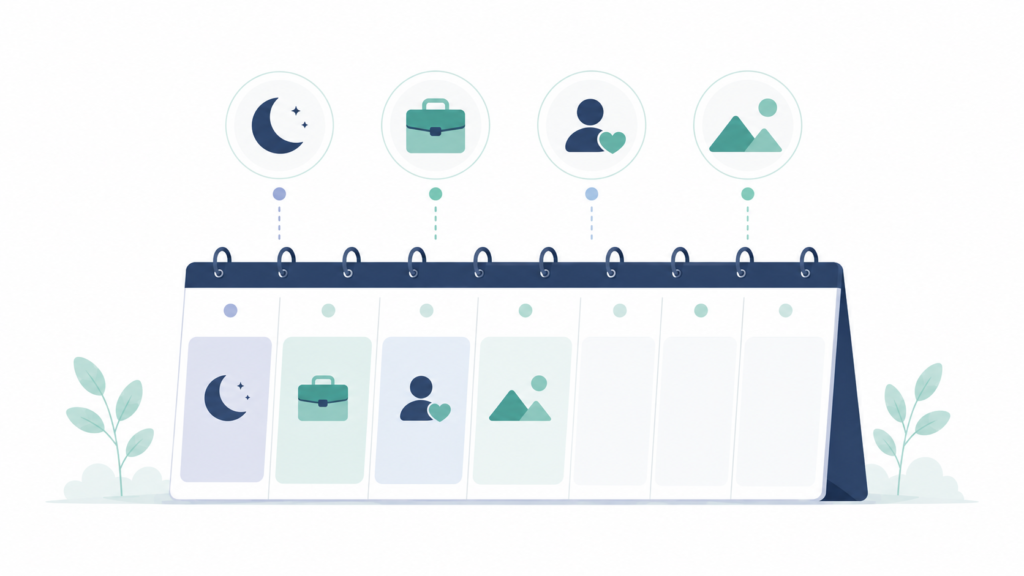
Work mode, scheduled for standard working hours, allowing only work-related apps and specific contacts through.
Personal mode, scheduled for evenings, silencing work apps and email notifications specifically.
Sleep mode, already commonly used but configured more deliberately this time, with a stricter allowed-contacts list than the default.
A custom mode built specifically for focused work blocks, silencing everything except a couple of essential apps.
Each mode ran on its intended schedule for the full week, with interruptions during each block tracked by how often the phone was picked up in response to a notification versus out of habit.
What Actually Cut Interruptions
Work mode made the biggest difference, cutting notification-triggered phone pickups noticeably compared to a normal work day without any mode active. Most of the reduction came from muting one specific messaging app that had been generating far more notifications than actually needed a response.
The custom focused-work mode came in close behind, particularly effective specifically because it allowed almost nothing through, which made picking up the phone during that block almost always a deliberate choice rather than a reaction to a buzz.
Personal mode made a smaller difference than expected, mostly because work notifications had already mostly stopped by evening on their own, so there wasn’t much left for the mode to actually block.
Sleep mode’s stricter contact list didn’t change anything measurable, since the default sleep settings had already been catching nearly everything that mattered.
What Focus Mode Doesn’t Fix
It doesn’t stop the habit of checking the phone without a notification prompting it. Focus mode blocks notifications from arriving, but doesn’t prevent picking the phone up out of habit during a quiet moment, which was still happening during every mode tested.
Cross-device consistency requires separate setup. A focus mode active on a phone doesn’t automatically apply to a tablet or computer signed into the same account unless that’s specifically configured, which caught me off guard the first time a notification came through on a laptop during Work mode.
It only manages notifications, not the broader amount of time spent on the phone. For that piece specifically, tracking actual usage patterns matters more than blocking notifications — I covered that kind of audit in my 30-day screen time check.
Frequently Asked Questions
Does Focus Mode block calls as well as notifications? By default, calls from anyone not on the allowed contacts list are silenced the same way notifications are, though most versions allow marking specific contacts as always able to get through, useful for emergencies.
Can Focus Mode turn on automatically based on location, not just a schedule? Yes, most implementations support location-based triggers in addition to time-based schedules, so a mode can activate automatically when arriving at a specific place like an office or gym.
Will people who message me know that Focus Mode is on? Depending on settings, some messaging apps show the sender an indication that notifications are silenced, though this isn’t universal across every app and platform.
Is it worth setting up a custom Focus Mode instead of just using Do Not Disturb? For anyone with a specific recurring situation — deep work blocks, workouts, family time — a custom mode with its own allowed contacts and apps tends to fit better than a single generic Do Not Disturb setting used for everything.
The Real Difference
Work mode and the custom focused-work mode produced the clearest reduction in interruptions, mostly by cutting notifications from one or two specific sources that didn’t actually need immediate attention. Personal and Sleep modes changed less than expected, mainly because the notifications they were meant to block had already mostly stopped on their own by the time those modes were active.
📍 Read Next: If notification volume is only part of the picture, checking actual phone usage patterns fills in the rest — I Checked My Phone’s Screen Time for 30 Days. The Number Broke Me. covers that audit.