Every time a new update notification popped up, I hit “Install” without thinking twice. I did it again last month, and within a day my phone felt sluggish — apps took longer to open, scrolling had a slight stutter. So I spent a week testing, restarting, and digging through settings to figure out what actually happens to a phone right after an update. That’s when I started digging into why my phone slower after update was a real pattern and not just me imagining things.
Why Updates Slow Phones Down in the First Place
Updates aren’t just new features — they trigger background re-indexing, cache rebuilding, and sometimes heavier code running on the same old hardware. Right after installation, the operating system re-indexes files, photos, and apps silently in the background, which can eat CPU and battery for anywhere from a few hours to two full days depending on how much is stored on the phone.
Apps that haven’t caught up yet cause a second layer of slowdown. Developers push their own updates to match the new OS, and until they do, some apps run inefficiently or crash more. My banking app froze twice in the first 48 hours after my update, then ran fine once it updated itself a few days later.
New background services are the part most people miss. Some updates quietly add widgets, AI features, or redesigned notification systems that start running even if you never touch them — and more running processes means less headroom for everything else.
The One-Week Test
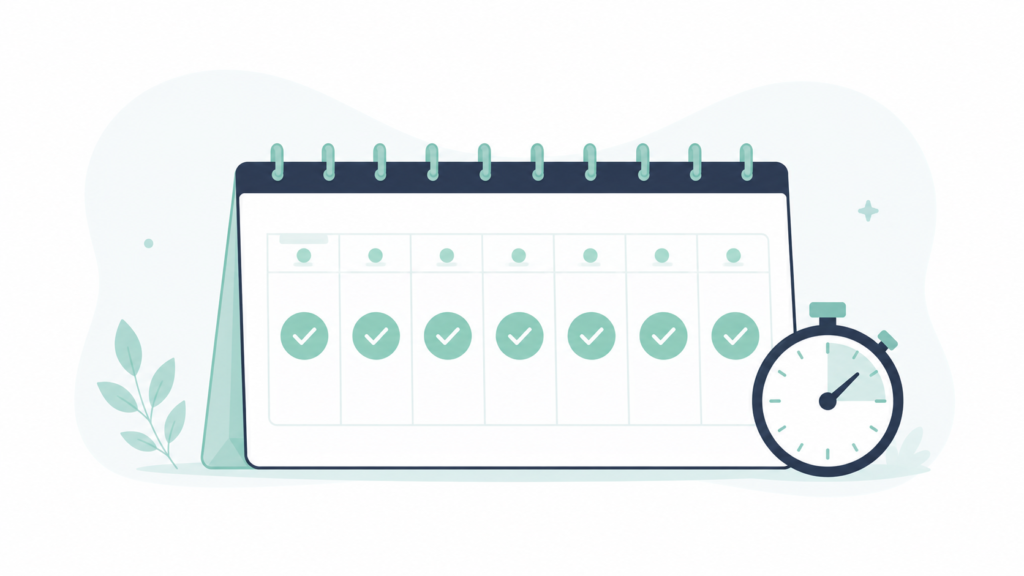
I updated on a Sunday night and deliberately didn’t restart for the first two days, just to see how long the slowdown lasted on its own. By Monday afternoon, my camera app was opening in almost 2 seconds versus under 1 second before the update. By Wednesday, things had mostly evened out — but the real turning point was a full restart on day two, not the two days of waiting.
What Actually Helped
A single full restart made the biggest difference of anything I tried, clearing out most of the lag within minutes — far more effective than repeatedly force-closing apps one by one.
Waiting out the first 24–48 hours resolved the rest on its own, since that’s roughly how long background indexing takes to finish depending on how much is stored on the phone.
Updating individual apps, not just the OS, fixed the specific freezing I’d been having with my banking app and one messaging app.
Clearing cached data on my two most-used apps shaved off a noticeable amount of lag, though this is more of a last resort since it can log you out of some apps.
What didn’t help at all: turning off Bluetooth or Wi-Fi, restarting in low-power mode, or deleting random photos. None of those touched the actual cause.
When It’s Not Just the Update
If a phone is still crawling a full week after updating, the update probably isn’t the real cause anymore — something else is layering on top of it. Worth checking: how much free storage is actually left (see our screen time check if usage habits haven’t been reviewed lately), whether a specific app is draining resources in the background, or whether the hardware itself is simply too old for the newer software.
Phones already low on storage before an update tend to feel the slowdown much harder and for much longer, since the OS doesn’t have room to do its background work efficiently. If a phone was already sluggish before updating, the update just makes an existing problem more obvious.
Frequently Asked Questions
Is it normal for my phone to be slower right after an update? Yes — a short slowdown for 24–48 hours after an update is normal while the system re-indexes files and apps catch up. If it continues well beyond that window, something else is likely going on.
Should I restart my phone after every update? It’s a good habit. A full restart clears temporary processes left over from the update and, in this testing, made the single biggest difference in getting speed back.
Will deleting the update fix the slowdown? Most phones don’t allow rolling back an OS update once it’s installed, and even if they did, that would mean losing the security fixes that came with it. It’s better to wait out the initial slowdown and update individual apps instead.
Does updating always make phones slower long-term, or just temporarily? For most people it’s temporary. Older phones running the newest OS version can feel a lasting difference, though, since the software is built with newer hardware in mind.
The Real Difference
The restart and the 24–48 hour indexing window accounted for almost all of the recovery — everything else tested (Bluetooth, low-power mode, deleting photos) made no measurable difference. Individual app updates fixed the freezing issues specifically, but next time my phone slower after update again, I’m restarting first and asking questions later.
📍 Read Next: If update-related slowdown feels like part of a bigger pattern, checking actual usage habits fills in the rest — I Checked My Phone’s Screen Time for 30 Days. The Number Broke Me. covers that audit.