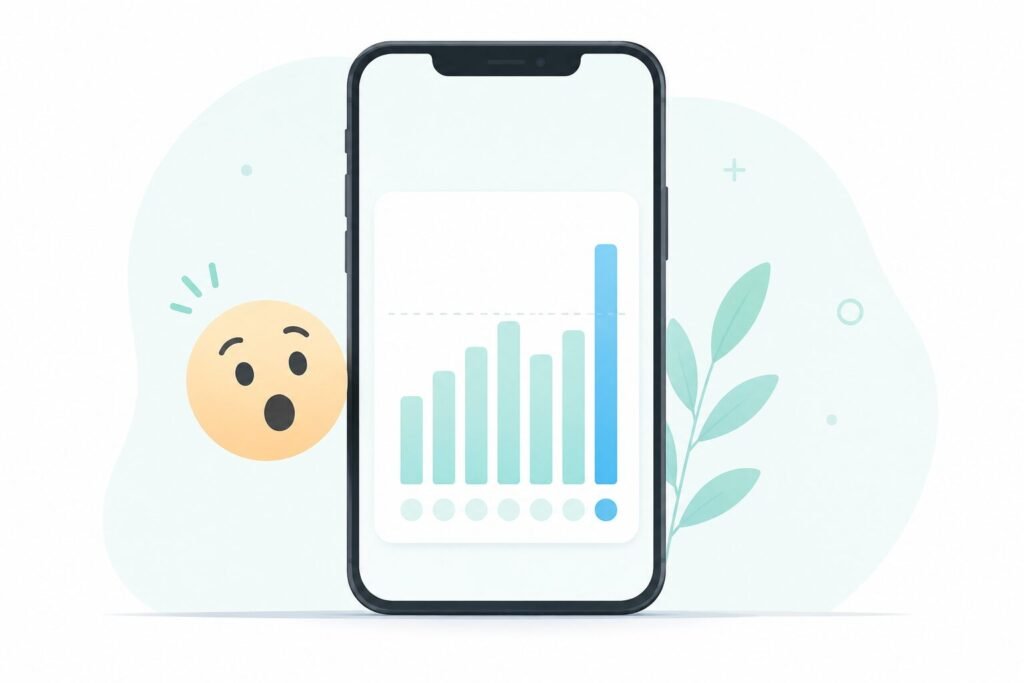
I’d ignored the little weekly Screen Time notification for months, always swiping it away without opening it. Then one Sunday I actually tapped it, expecting maybe three hours a day. It said six hours and forty minutes. I read that number three times before it sank in.
That’s most of a part-time job, spent scrolling. Here’s what a month of actually paying attention to that number taught me, and what I changed because of it.
Why the Screen Time Number Surprises Almost Everyone
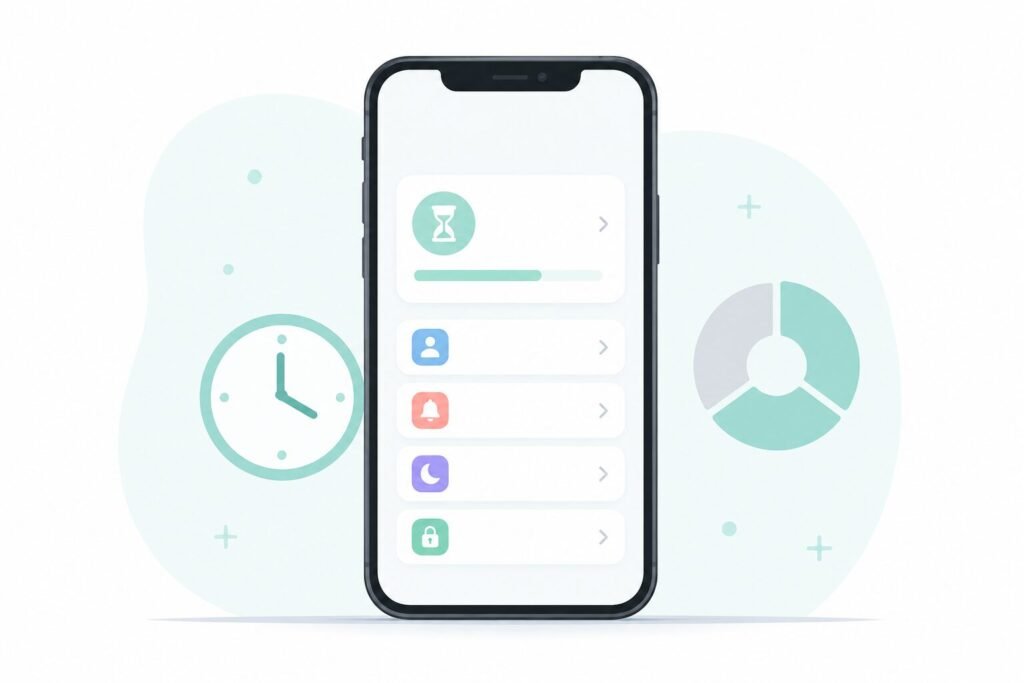
Both iPhone (Screen Time) and Android (Digital Wellbeing) track usage automatically, but almost nobody checks it regularly, so the number arrives as a shock rather than a slow realization.
Part of the surprise comes from how usage is split across dozens of tiny sessions rather than one long binge. A 90-second check here, a two-minute scroll there — none of it feels like much in the moment, but the app adds every second together at the end of the day.
To find your own number:
- iPhone: Settings → Screen Time → See All Activity
- Android: Settings → Digital Wellbeing & Parental Controls
Look at it once before changing anything. Most people underestimate their own usage by close to half.
The Part Nobody Mentions: Battery and Focus, Not Just Time
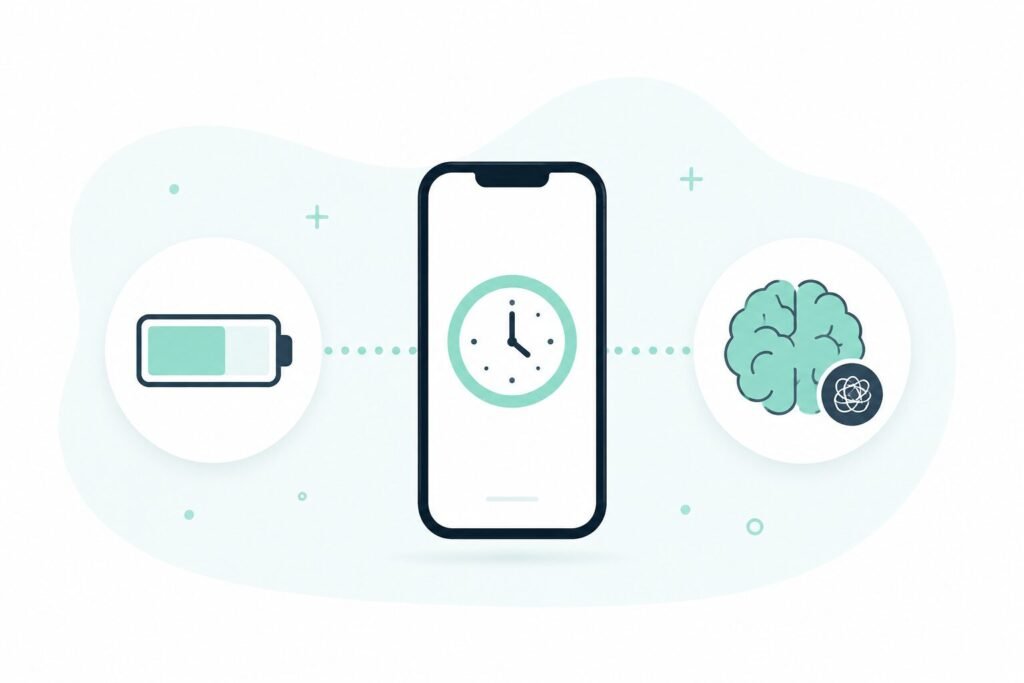
Screen time isn’t only about hours lost — it’s tied directly to two things people usually blame on something else: battery drain and difficulty concentrating.
A phone that’s actively lit up and rendering content all day works harder than one that’s mostly idle with the occasional glance. If your battery seems to disappear faster than it used to, screen time is worth checking before assuming the battery itself is failing — I walked through the other common causes in my phone battery guide, and usage patterns are just as often the real culprit as anything about the hardware.
The focus cost is less visible but arguably bigger. Every notification that pulls your attention away from a task adds a “switching cost” — the few minutes it takes your brain to fully re-engage with what you were doing before the interruption. Add that up across a day full of pings, and hours of potential focus quietly disappear.
What Actually Moved the Number (and What Didn’t)
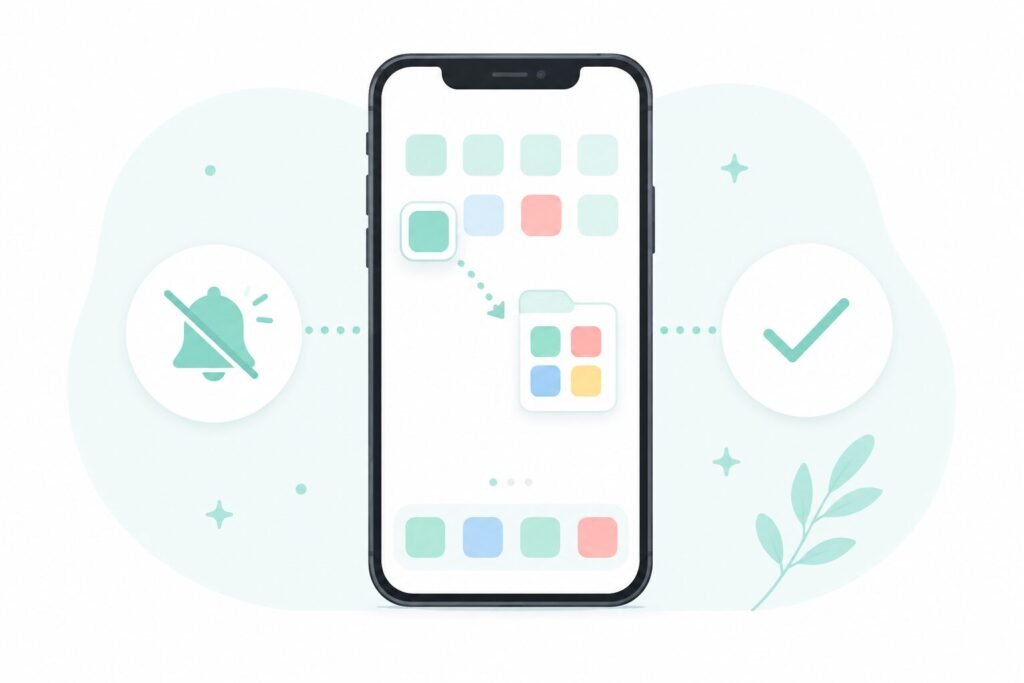
Over the month, a few changes made a real dent, and a few didn’t do much at all.
Worked well:
- Turning off non-essential notifications app by app, instead of relying on Do Not Disturb alone. Silencing the source matters more than silencing the whole phone.
- Deleting one specific app that accounted for almost a third of my daily usage on its own. Not muting it, not limiting it — removing it entirely for two weeks.
- Moving distracting apps off the home screen into a folder on the last page. The extra two taps to open them was enough friction to cut casual opens by more than half.
Didn’t really work:
- Setting app time limits that I just tapped through anyway. The limit screen became a two-second speed bump rather than a stopping point.
- Grayscale mode, which sounded promising but I switched back off within three days because it made everyday tasks (maps, photos) genuinely harder to use.
If notification overload is part of what’s driving your own number up, it’s worth going through app permissions properly rather than just muting everything at once — I covered exactly that process in my phone privacy audit, which pairs well with cutting down screen time since a lot of the same settings are involved.
Frequently Asked Questions
Is six hours of screen time actually bad? There’s no universal healthy number, since work calls, navigation, and reading all count toward the same total as passive scrolling. What matters more is the breakdown by app — six hours split across messaging, maps, and a podcast app looks very different from six hours mostly spent in one social feed.
Do screen time limits on the phone actually work? For some people, yes. For plenty of others, the limit screen becomes just another button to tap through. If you’ve tried limits before and they didn’t stick, removing the app for a trial period tends to work better than trying to cap it.
Does less screen time really improve battery life? It helps, but it’s one factor among several. Screen brightness and background app activity also play a large role, so cutting screen time alone won’t fix a battery problem caused mainly by something else.
How accurate is the phone’s own screen time tracking? Reasonably accurate for total usage, though it can undercount time spent on calls or certain background processes depending on the app. Treat the number as a strong estimate rather than an exact figure.
The Real Takeaway
The number itself matters less than actually looking at it. A month of paying attention turned a vague feeling of “I’m probably on my phone too much” into specific, fixable habits — one app deleted, one folder created, a handful of notifications turned off.
📍 Read Next: Curious what else might be draining your battery besides screen time? Check out I Killed My Last Phone’s Battery in 14 Months for the habits that actually move the needle.