My battery health notification dropped to 87% last month, and instead of just buying a new phone like I usually do when this happens, I decided to actually track my smartphone battery life for thirty days straight to find out what was draining it. Every night I logged the battery percentage, screen-on time, and which apps showed up at the top of the usage list. I expected the answer to be obvious — probably screen brightness, or maybe just age. It wasn’t either of those, not primarily.
What I Actually Logged Every Day
For thirty days, I wrote down three numbers each night: battery percentage at bedtime, total screen-on time from the day, and the top three apps by battery usage shown in settings. I didn’t change my normal habits — same brightness, same apps, same charging routine — because the point was to see what a completely ordinary month actually looks like, not an optimized one.
By the end of the month I had thirty data points, and the pattern that emerged wasn’t what I expected going in.
The Biggest Drain Wasn’t Screen Time
Screen-on time stayed fairly consistent across the month, averaging around 5 hours a day, and the days with the highest screen time didn’t correlate cleanly with the days that drained fastest. What did correlate almost every single time was background app refresh — specifically, three social and messaging apps that kept syncing, checking for updates, and pulling notifications even when the screen was off and I hadn’t opened them in hours.
On the two days I disabled background refresh for those three apps entirely, battery life extended noticeably — the phone lasted roughly two extra hours before hitting the same percentage it usually reached by evening.
Location Services Were the Second-Biggest Factor
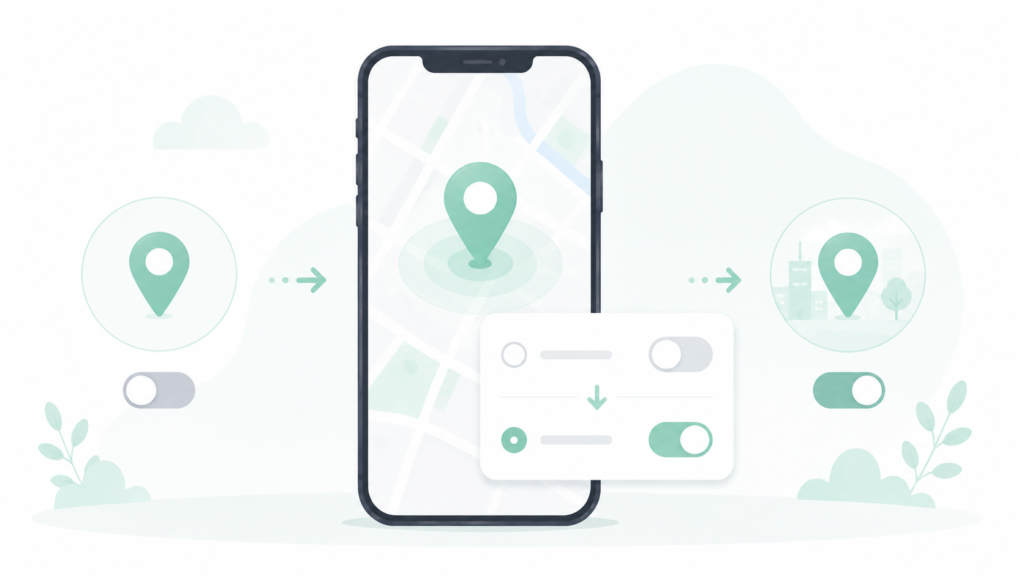
Four apps had location access set to “Always” rather than “While Using,” and none of them had an obvious reason to need constant background location — a shopping app, a weather app that already asked for location on open, and two apps I barely use monthly. Switching all four to “While Using” produced a smaller but still measurable improvement, roughly 20–30 minutes of extra battery life on the days I tested it.
What Barely Mattered At All
Screen brightness, which I assumed would be the biggest factor, made almost no measurable difference between my normal setting and a noticeably dimmer one — maybe 10–15 minutes of difference across a full day, within the range of normal daily variation anyway. Closing apps manually after use also made no measurable difference, which matches what most phone manufacturers already say but that I’d never actually tested for myself. Airplane mode overnight helped a little, but not enough to be worth the inconvenience of remembering to toggle it every night.
Battery Health vs. Daily Battery Life
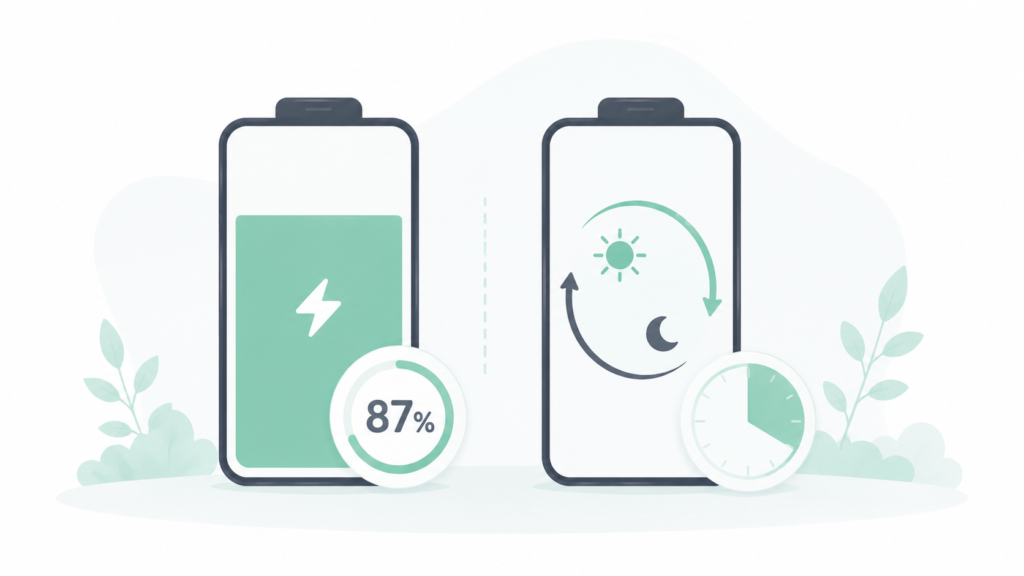
It’s worth separating two different things here, because they get mixed up constantly: battery health (the phone’s maximum capacity, expressed as a percentage of what it shipped with) and daily battery life (how long a full charge actually lasts you today). Background app refresh and location settings affect daily battery life immediately — you’ll notice the difference the same day. Battery health degrades slowly regardless of these settings, mostly from total charge cycles and heat exposure over the phone’s lifetime, and no single-app fix reverses that number once it’s dropped.
What to Actually Do About It
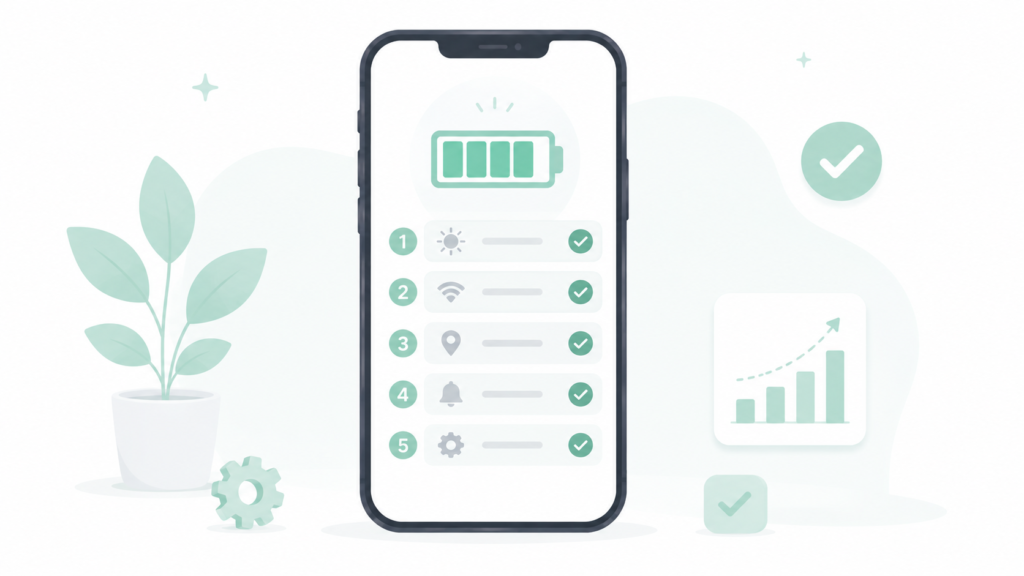
If your smartphone battery life feels worse than it used to, here’s the order that actually made a measurable difference in this test, from biggest impact to smallest:
- Check background app refresh first, not brightness. Go into battery settings and look at which specific apps are using battery in the background, not just total usage — this is usually where the real drain is hiding.
- Turn off “Always” location access for anything that doesn’t need it constantly. Switch to “While Using” for shopping, social, and utility apps; reserve “Always” only for navigation or fitness tracking apps that genuinely need it.
- Don’t bother obsessively closing apps. It doesn’t meaningfully help and adds friction to how you use your phone for no real benefit.
- Adjust brightness for comfort, not battery savings. The difference is small enough that it’s not worth straining your eyes over.
- If the phone is over two years old, check battery health specifically, not just daily battery life. A phone with degraded health will drain faster no matter what settings are adjusted, and at that point a battery replacement matters more than any setting change.
Frequently Asked Questions
What drains smartphone battery life the most? In this month-long test, background app refresh from apps that sync constantly — even when not actively open — had the biggest measurable impact, more than screen brightness or screen-on time.
Does closing apps in the background actually save battery? No, not meaningfully. Modern phones suspend apps that aren’t in active use automatically, so manually closing them adds effort without a real battery benefit.
Is battery health the same as battery life? No. Battery health is the phone’s maximum charge capacity compared to when it was new, and it degrades slowly over time. Daily battery life is how long a full charge lasts today, which is affected immediately by settings like background refresh and location access.
How much does screen brightness actually affect battery life? Less than most people assume — in this test, the difference between normal and noticeably dimmer brightness was only about 10–15 minutes across a full day.
The Real Difference
Out of everything tracked over the month, background app refresh and location settings accounted for almost all of the meaningful, controllable difference in smartphone battery life — together adding up to roughly two and a half extra hours on the days both were adjusted. Brightness and manual app-closing, the two habits most people focus on first, barely moved the needle at all.
📍 Read Next: If battery drain turns out to be tied to specific AI-powered features rather than background refresh, that’s worth checking separately — I Tested Whether AI Features Are Actually Draining My Battery. covers that side of it.