Screen brightness can account for up to 30% to 50% of your total device power consumption under everyday use. When you crank that slider all the way to maximum under the midday sun, your phone does not just lose power; it starts trapping and generating thermal stress.
Most users think warmth only comes from heavy gaming or background apps, but an over-bright panel forces the internal hardware to work overtime. It is like running a full sprint in the midday summer sun while wearing a heavy winter coat.
Let us look at how screen brightness secretly ruins your hardware and how to balance it like a pro.
1. The Hidden Thermal Link Between Display and Heat
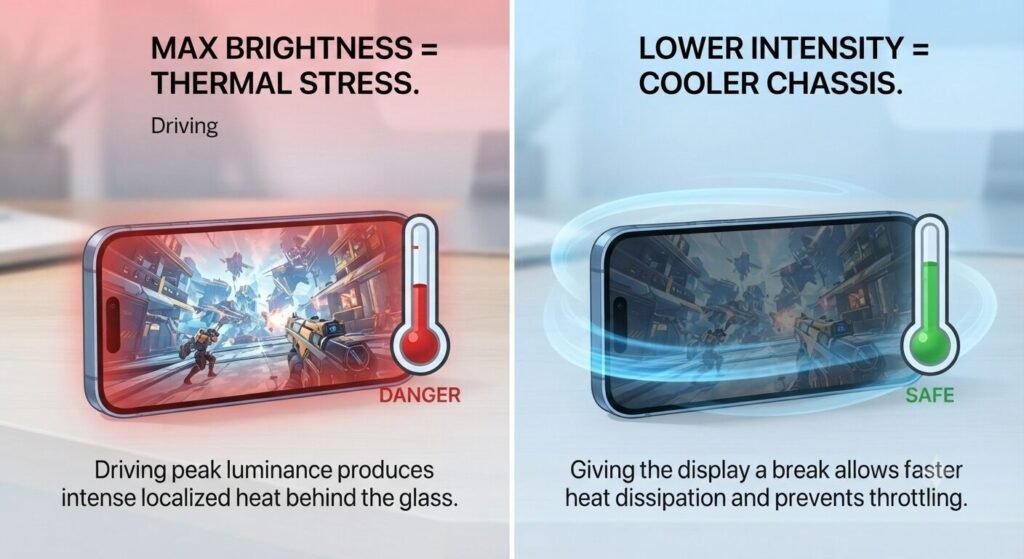
OLED and high-refresh-rate panels look gorgeous, but driving millions of individual pixels to peak luminance produces real thermal energy right behind the glass.
When your sensor forces maximum brightness outdoors, the localized heat has nowhere to go quickly, warming up the chassis and triggering thermal throttling. Lowering that intensity gives your phone the cooling break it desperately needs.
2. Ditch Manual Max Brightness Indoors
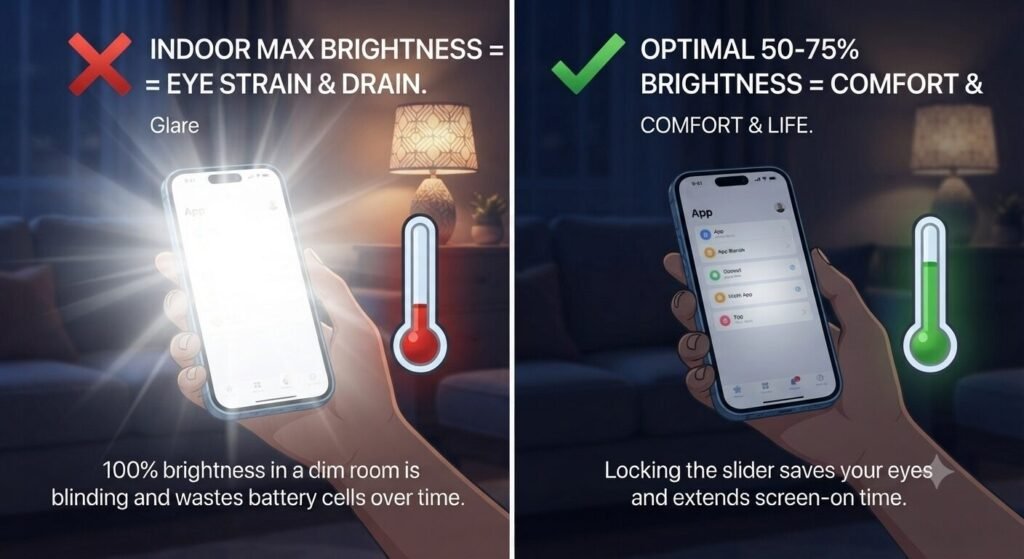
Staying at 100% brightness inside a dimly lit living room or office feels blinding and destroys your battery cells over time.
Keep your manual slider locked between 50% and 75% when you are indoors. Your eyes will thank you for avoiding the harsh glare, and your daily screen-on time will immediately stretch by an extra hour or two.
3. Master Adaptive Brightness the Right Way
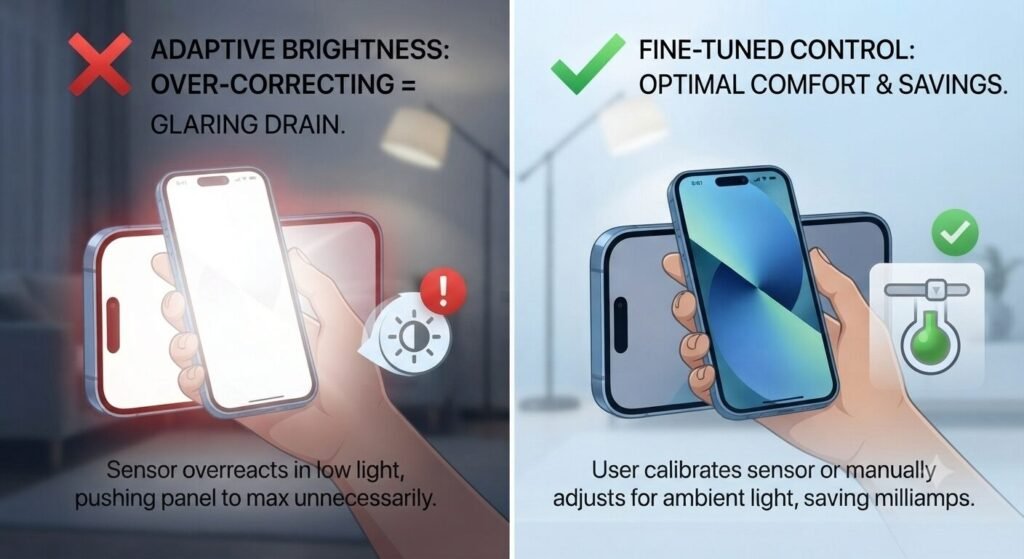
Adaptive brightness is designed to match ambient light, but it often overcorrects, pushing panels way too high when a simple shadow or indoor lamp would do.
Calibrate your adaptive sensor or fine-tune it manually when it acts too aggressive. Taking back control ensures your screen isn’t wasting precious milliamps on artificial glare you don’t even need.
4. Tame High Refresh Rates on Bright Screens
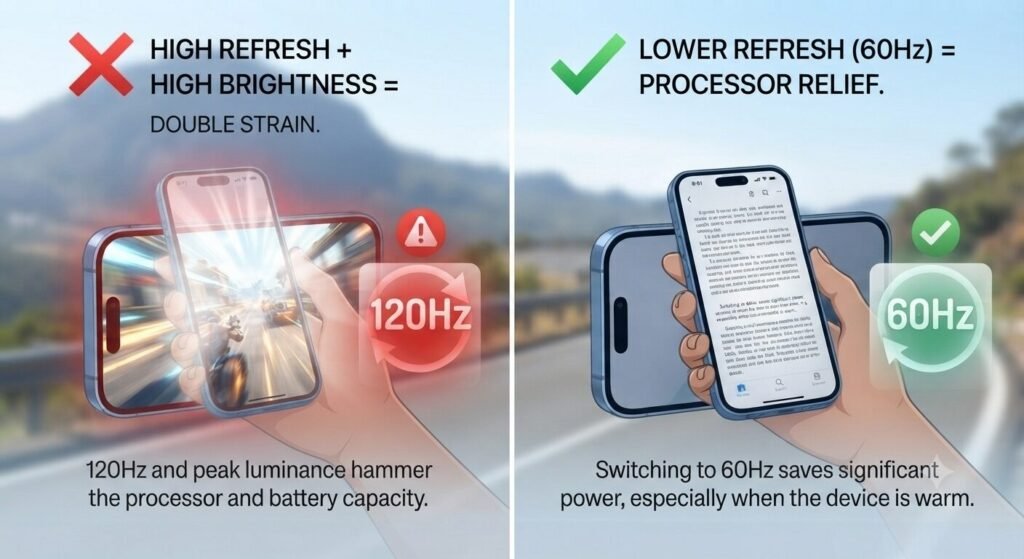
Modern 120Hz smooth scrolling looks amazing, but paired with high brightness, it doubles the strain on your processor and battery capacity.
Drop your refresh rate to a standard 60Hz mode when you are trying to preserve power during a long trip or when the device feels warm. You barely notice the difference in daily reading, but your battery definitely feels the relief.
5. Shorten Your Screen Timeout Window
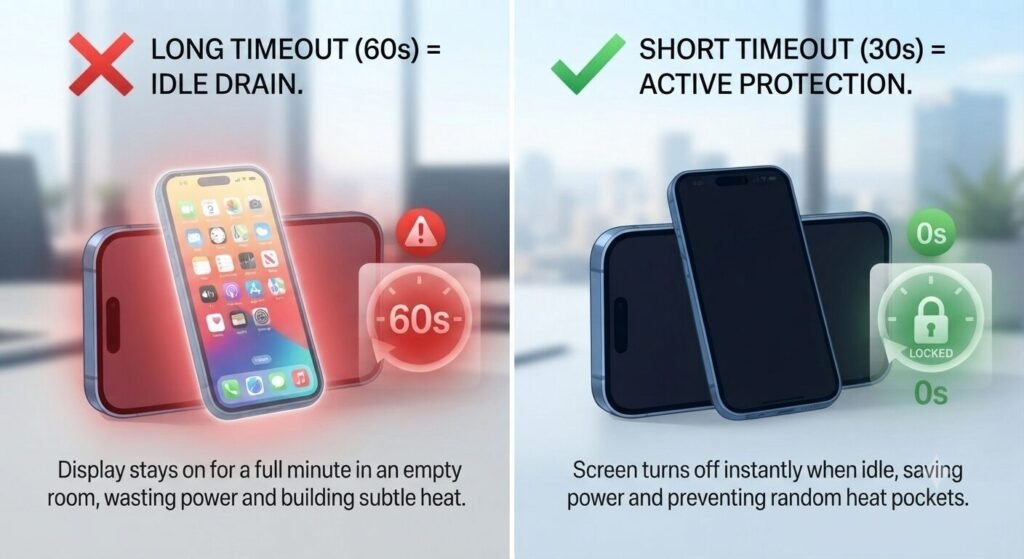
How often do you leave your phone face-up on the desk, glowing brightly for a full minute while you talk to a coworker? Multiply that by fifty times a day.
Head into your display settings and lock your screen timeout down to 30 seconds. It stops the display from idling in an empty room and prevents random heat pockets from building up on your screen.
FAQ: Quick Questions People Ask
- Does reducing screen brightness actually cool down a warm phone? Yes, cutting down display luminance reduces the immediate thermal load on the panel driver and helps the device shed accumulated heat much faster.
- What is the ideal manual brightness level for daily battery preservation? Keeping your slider comfortably around 50% to 60% offers the best balance between clear visibility and long-term battery conservation.
- Does auto-brightness help reduce heat compared to manual settings? Generally yes — auto-brightness adjusts in real time to ambient light, so it avoids the sustained max-brightness stretches that manual settings often get stuck at, especially outdoors.
The Takeaway
Your display doesn’t have to be a liability. By keeping brightness in check and optimizing your panel settings, you protect your battery from rapid degradation and keep thermal spikes away.
💡 Read Next: Want to optimize your phone further? Check out our guide on [Stop Wasting Mobile Data: 5 Hidden Phone Settings Draining Your Plan Right Now] to keep your monthly data allowance intact.