It happens in a second. One clumsy slip, and your expensive smartphone takes an unexpected dive into the sink or a deep puddle, leading to severe phone water damage. Your heart instantly drops into your stomach. You grab it, wipe it off frantically, and wonder if your device is permanently dead.
In a state of panic, most people immediately turn to whatever old wives’ tales they heard on the internet. Unfortunately, a lot of those popular “emergency fixes” actually cause more permanent damage than the water itself. While modern smartphones feature basic water resistance, true submersion is still a major emergency.
If you want to give your phone a fighting chance of survival instead of turning it into an expensive paperweight, here are five dangerous mistakes you need to stop making right now.
1. Do Not Plug It Into a Charger Immediately
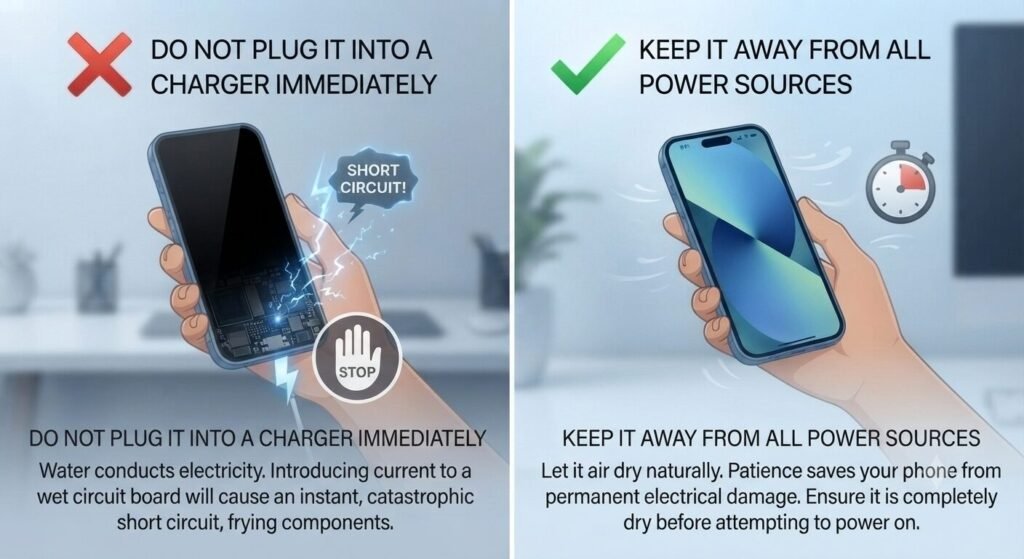
This is the absolute most common reflex. The screen goes black, and your first instinct is to plug it into a cable to see if it’s still alive. Stop right there. Introducing electrical current to a wet circuit board is the fastest way to cause a catastrophic short circuit. Water conducts electricity, and mixing power with trapped moisture will instantly fry internal components that might have otherwise survived. If it’s wet, keep it completely away from any power source until you are certain the inside is dry.
2. Stop Drowning Your Phone in a Bag of Rice
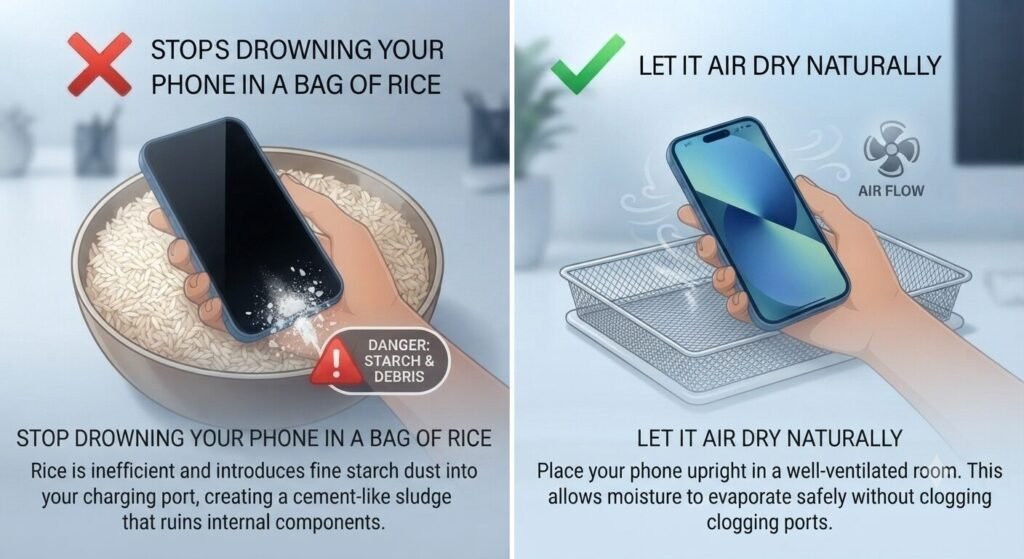
We have all heard this classic advice a million times: “Drop it in a bag of uncooked rice overnight.” Sounds harmless, right? It turns out this is actually one of the worst things you can do. Not only is rice surprisingly inefficient at drawing moisture out of tightly sealed modern phone casings, but it also introduces fine starch dust and tiny debris into your charging port. That dust mixes with the water, creating a cement-like sludge that ruins your ports. Skip the pantry and let it air dry naturally in a well-ventilated room instead.
3. Keep the Hairdryer Far Away From It
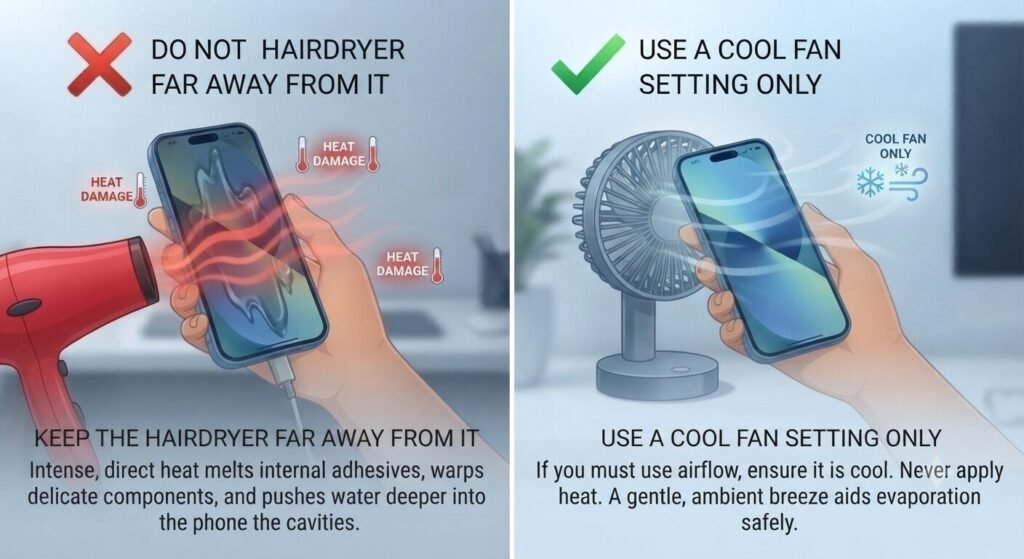
When people see moisture trapped inside the screen or camera lens, panic sets in, and they reach for a hairdryer to blast it out. It feels logical—heat evaporates water, after all. However, using a hairdryer or a heat gun pushes water even deeper into the phone’s internal cavities. Smartphone screens and internal batteries use sensitive adhesives and rubber seals. Blasting them with intense heat melts those seals and warps the delicate components. If you must use airflow, use a cool fan setting, but never direct heat.
4. Don’t Shake, Tap, or Flex the Device
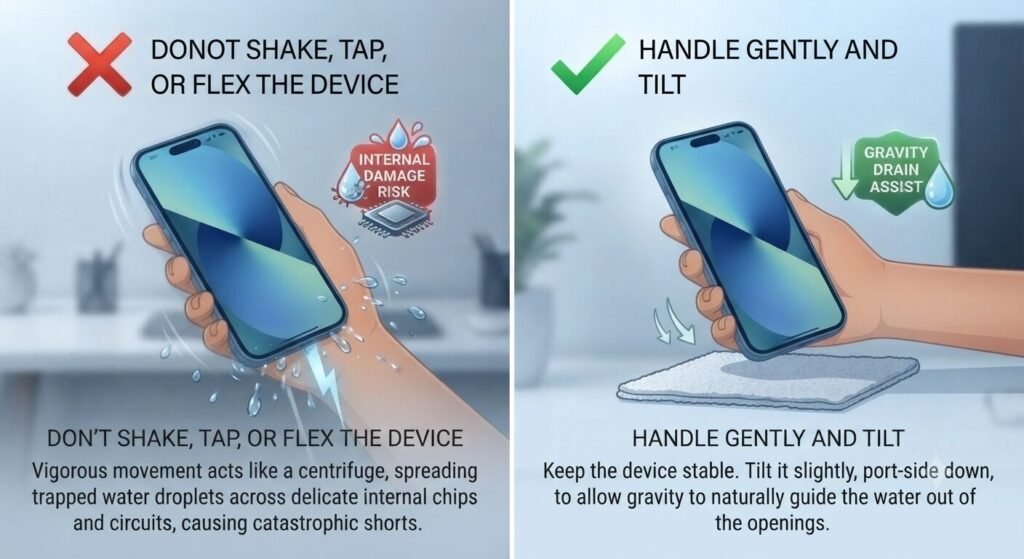
When you pull a soaked phone out of the water, it’s tempting to shake it violently or tap it against your palm to force the trapped liquid out. Doing this acts like a centrifuge, spreading water droplets across a wider area inside the motherboard. Liquid that was sitting harmlessly in one corner can easily splash over delicate chips and sensors just because you gave the phone a vigorous shake. Handle the device as gently as possible, tilting it slightly toward the charging port to let gravity do the work.
5. Avoid Turning It On Too Soon
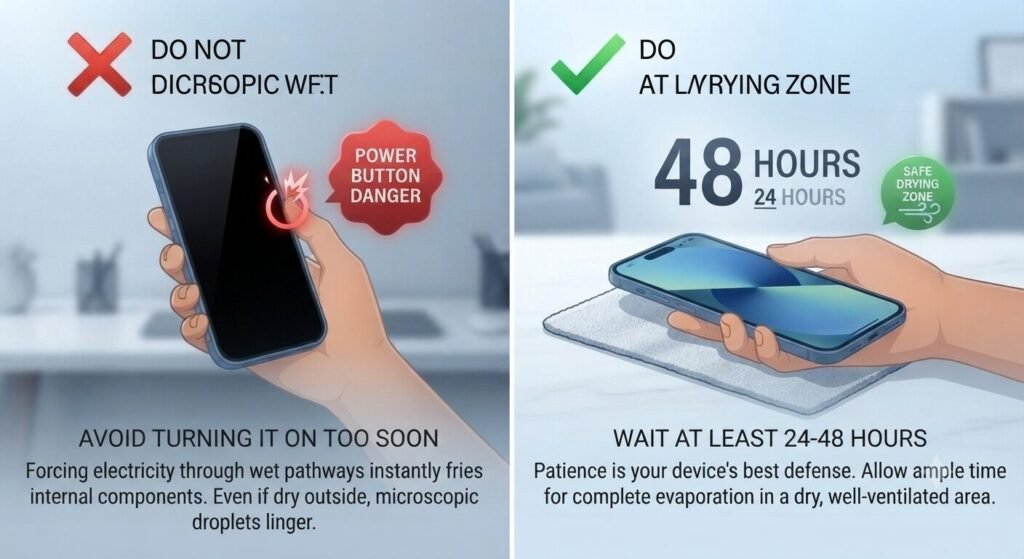
Patience is nearly impossible when your digital lifeline is out of commission. After wiping down the exterior, most people repeatedly press the power button every few minutes just to check if the screen lights up. Every time you attempt to boot up a damp device, you force electricity through wet pathways. Even if the exterior looks dry, microscopic droplets linger deep inside. Give the phone at least 24 to 48 hours of uninterrupted drying time in a dry, breezy spot before you even think about pressing that power button.
FAQ: Quick Questions People Ask
- Q: Does putting a phone in silica gel packets work better than rice?
- A: Silica gel packets (those little moisture-absorbent beads you find in new shoe boxes) are significantly cleaner than rice and won’t leave starch dust in your ports. However, they still cannot pull moisture out from inside a sealed modern smartphone casing. Air drying in a well-ventilated room remains the safest method.
- Q: How long should I realistically wait before turning my phone back on?
- A: You should wait a minimum of 24 to 48 hours. Turning it on prematurely while internal components are still damp is the leading cause of permanent motherboard failure.
The Takeaway
Accidents happen, and dropping your phone in water doesn’t automatically mean a costly repair bill. The biggest threat to a wet phone isn’t usually the water itself—it’s the frantic, incorrect rescue attempts we make in the first five minutes. Stay calm, resist the urge to use heat or rice, and give your device the time it needs to recover.
💡 Read Next: Want to keep your device running smoothly every single day? Check out our top tips on[ Is Your Screen Killing Your Phone? How Screen Brightness Drains Battery and Generates Heat] to understand how display settings impact your device.