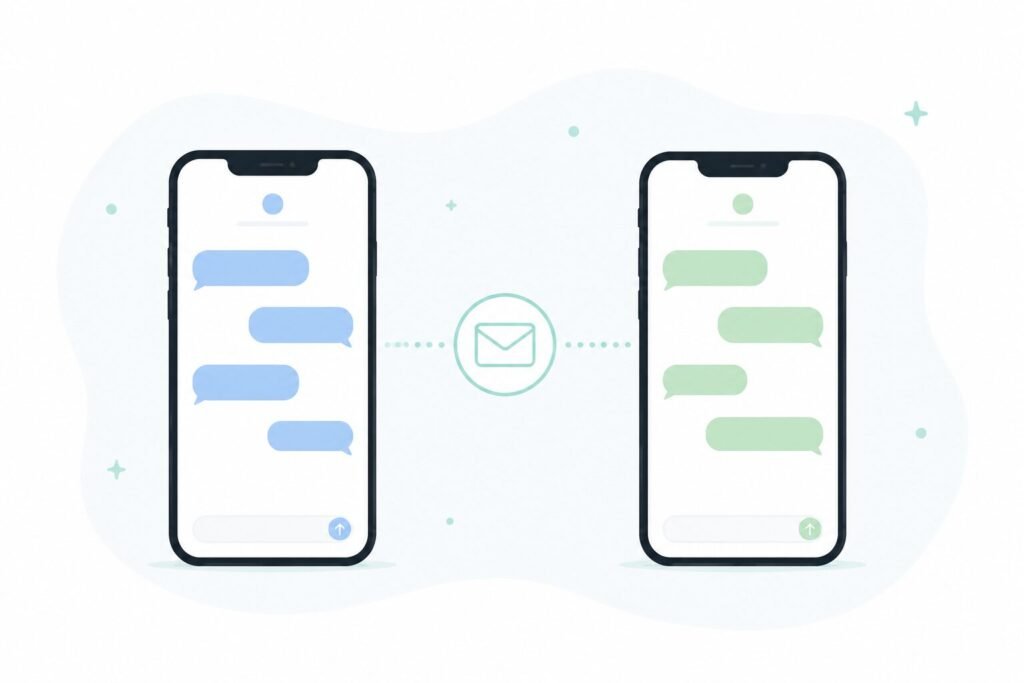
Green bubble texts are one of those things that seem like a small cosmetic detail until you’re the one stuck in a group chat where every photo looks like it was compressed twice, someone’s “thumbs up” shows up as a paragraph reading “Liked ‘are we still on for Saturday’,” and half the group can see who’s typing while the other half just waits. I switched from iPhone to Android last year and spent the first few weeks assuming this was just how texting Android users worked now. It wasn’t.
Here’s what’s actually happening under the hood, and what fixed it for me.
Why the Bubble Turns Green in the First Place
The color itself is Apple’s doing, not a technical requirement. iMessage-to-iMessage texts show up blue because they’re sent over Apple’s own messaging protocol. Anything sent to a non-Apple device falls back to plain SMS or MMS, and iMessage colors that green to visually flag it as a different kind of message.
The actual limitation isn’t the color — it’s what SMS and MMS can’t do. Both are decades-old protocols originally built for short text and low-resolution photos, with no built-in support for read receipts, typing indicators, high-quality media, or reliable group chats.
What RCS Actually Fixes
RCS (Rich Communication Services) is the modern replacement for SMS and MMS, and it’s what closes most of the gap between a green-bubble conversation and an iMessage one.
With RCS enabled on both sides of a conversation, you generally get:
- Higher-resolution photos and videos, instead of the heavily compressed versions MMS sends
- Typing indicators and read receipts, the same way iMessage or WhatsApp already work
- More stable group chats, since RCS handles group messaging far better than MMS ever did
- Reactions that show up correctly, instead of a message announcing that someone “loved” or “liked” a specific text
The bubble color itself doesn’t change — Apple still shows non-iMessage texts as green regardless of RCS — but nearly everything people actually complain about gets fixed once RCS is working on both ends.
Turning On RCS on Android
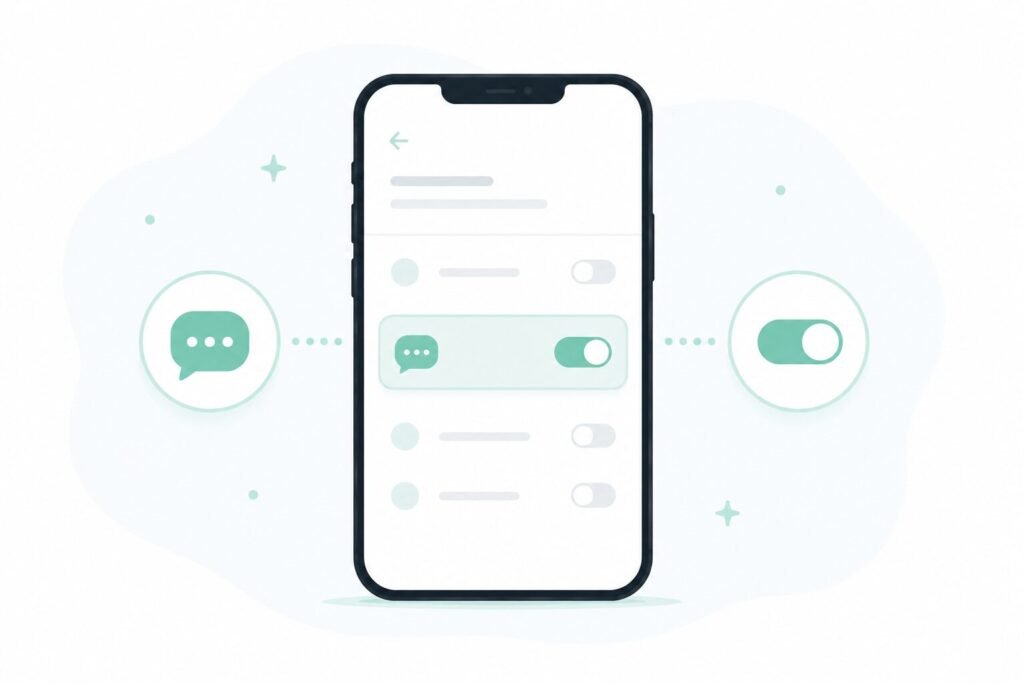
Most Android phones use Google Messages as the default texting app, and RCS is usually already on by default, but it’s worth double-checking.
Open Google Messages → your profile icon → Messages settings → RCS chats, and confirm the toggle is switched on. From this screen, you can also see the connection status if RCS isn’t currently active.
If you recently switched carriers or SIM cards, this setting sometimes resets and needs to be turned back on manually.
When RCS Still Doesn’t Work
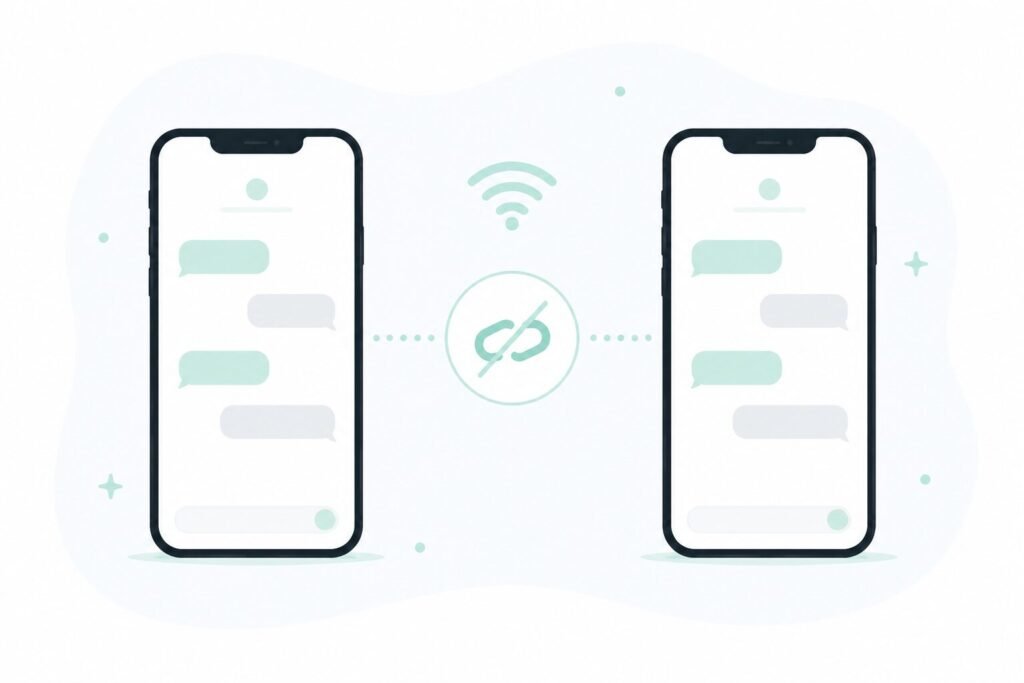
Turning RCS on doesn’t guarantee every conversation switches over immediately, since it depends on both people’s setup, not just yours.
Check the other person’s settings too. RCS only activates when both sides support it — if the person you’re texting has RCS turned off, or is using a different messaging app entirely, the conversation falls back to SMS/MMS regardless of your own settings.
Some carriers or older devices don’t fully support RCS yet. This is becoming less common, but it still occasionally explains why one specific contact never seems to switch over even after everything looks correctly configured on your side.
Wi-Fi and mobile data both matter here. RCS needs a working data connection to function, similar to how a weak signal or a spotty Wi-Fi connection can cause other messaging apps to misbehave — if messages seem to be sending as SMS even with RCS on, it’s worth ruling out a basic connectivity issue first. I covered some of the more common versions of that in my Wi-Fi troubleshooting guide.
Data usage can also be a factor, since RCS relies on data rather than the SMS network your carrier plan already accounts for separately — if you’ve been trying to cut down on data use elsewhere, my mobile data guide covers where a lot of that usage quietly comes from.
Frequently Asked Questions
Will texts ever turn blue if I switch to Android? No. iMessage’s blue color is reserved exclusively for Apple-to-Apple conversations. RCS fixes most of the functional problems, but the bubble color on an iPhone stays green for any non-iMessage conversation regardless of what’s enabled.
Does RCS work between two Android phones without any setup? Usually yes, since RCS is on by default on most modern Android phones using Google Messages, though it’s worth confirming both devices have it enabled if messages seem to be falling back to SMS.
Why do photos still look compressed even with RCS turned on? This usually means RCS isn’t actually active for that specific conversation — check that both people have it enabled, since a fallback to MMS is the most common reason photo quality drops.
Is RCS as secure as iMessage? Standard RCS messaging between Android and iPhone currently doesn’t include the same end-to-end encryption iMessage uses for Apple-to-Apple conversations, though RCS-to-RCS chats between two Android phones on Google Messages are encrypted.
The Real Fix
The green bubble color itself isn’t something either side can turn off, but almost everything people actually mean when they complain about green texts — blurry photos, missing read receipts, broken group chats — comes down to whether RCS is properly enabled on both ends of the conversation, not the color itself.
📍 Read Next: If messages are still acting up after checking RCS, a basic connectivity issue might be the real cause — Wi-Fi Connected But No Internet? 5 Ways to Fix Your Phone’s Network Glitches covers the troubleshooting steps that catch most of it.