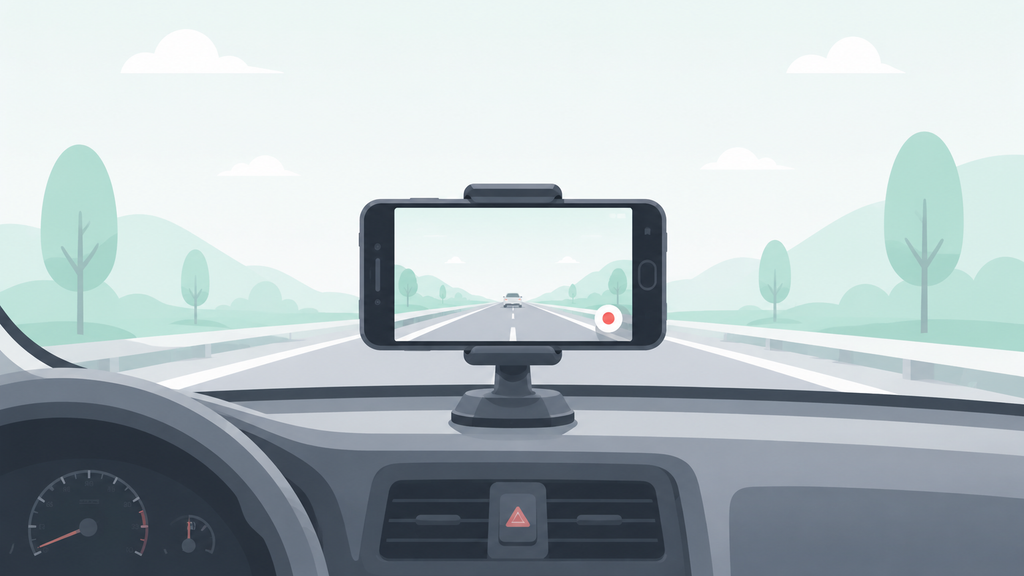
An old phone had been sitting in a drawer for over a year, and instead of trading it in for whatever small amount it was worth, I decided to try using an old smartphone as a dash cam, mounting it on the dashboard and leaving it running for six months straight. No swapping it back for personal use, no taking it inside overnight — it lived in the car the entire time, the way an actual dash cam would. Here’s what that was actually like once the novelty wore off.
Why I Tried This Instead of Buying a Dedicated Dash Cam
The phone already existed, the camera was still functional, and dash cam apps that handle loop recording, event detection, and automatic overwriting of old footage are genuinely capable at this point. On paper, it looked like a way to get most of a dedicated dash cam’s functionality without spending anything beyond a car charger and a mount.
What Actually Worked Well
Video quality during daytime driving was consistently solid — the phone’s camera, even a few years old at that point, handled well-lit conditions better than I expected going in. Event detection through the app worked reliably too, automatically saving footage when it detected a hard brake or impact, which meant I never had to think about manually protecting a clip after a close call.
Storage management, once set up correctly, was closer to “set and forget” than I anticipated. The app looped over old footage automatically, and checking in every couple of weeks was enough to confirm it was still working as expected.
What Actually Went Wrong
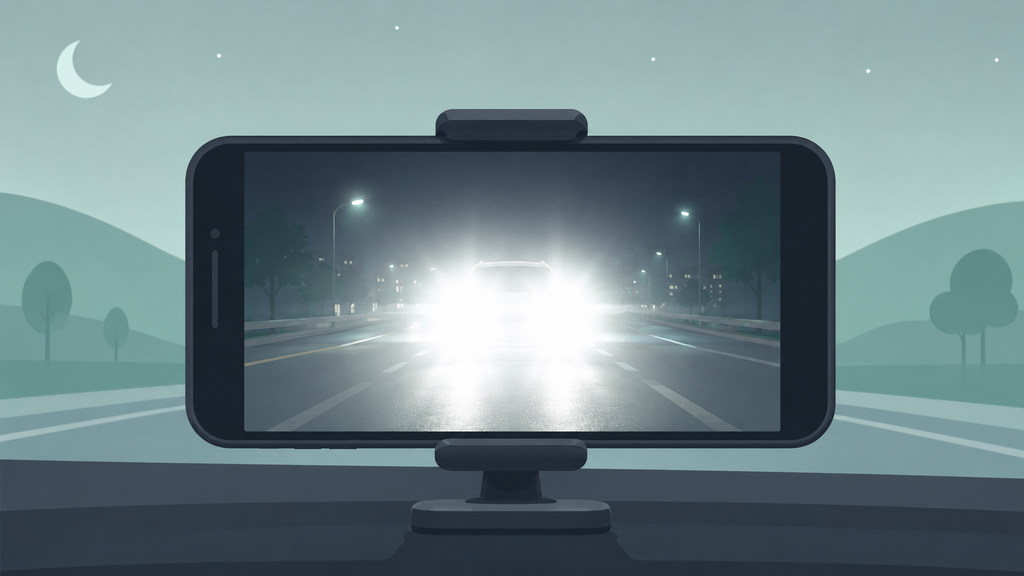
Night and low-light footage was the most consistent disappointment. A dedicated dash cam’s sensor and lens are built specifically for the wide dynamic range of headlights and dark surroundings at once, and the phone’s camera, however good it was in daylight, struggled noticeably once the sun went down — oncoming headlights frequently blew out the footage in a way a proper dash cam handles much better.
Power reliability was the second recurring issue. The phone needed to stay actively charging the entire time it was mounted, and on two separate occasions a slightly loose charging cable meant the phone had quietly died mid-drive without me noticing until I went to check footage after the fact — a dedicated dash cam’s more purpose-built power connection didn’t have this issue when I later compared notes with a friend who’d been using one the same six months.
The battery-saving background app killer built into the phone’s software also interfered with the recording app more than once, closing it in the background without warning even with battery optimization supposedly disabled for it specifically — this is apparently common enough with repurposed phones that dash cam app communities have entire threads dedicated to which phone models and settings avoid it most reliably.
Heat and Battery Safety Are the Real Tradeoff
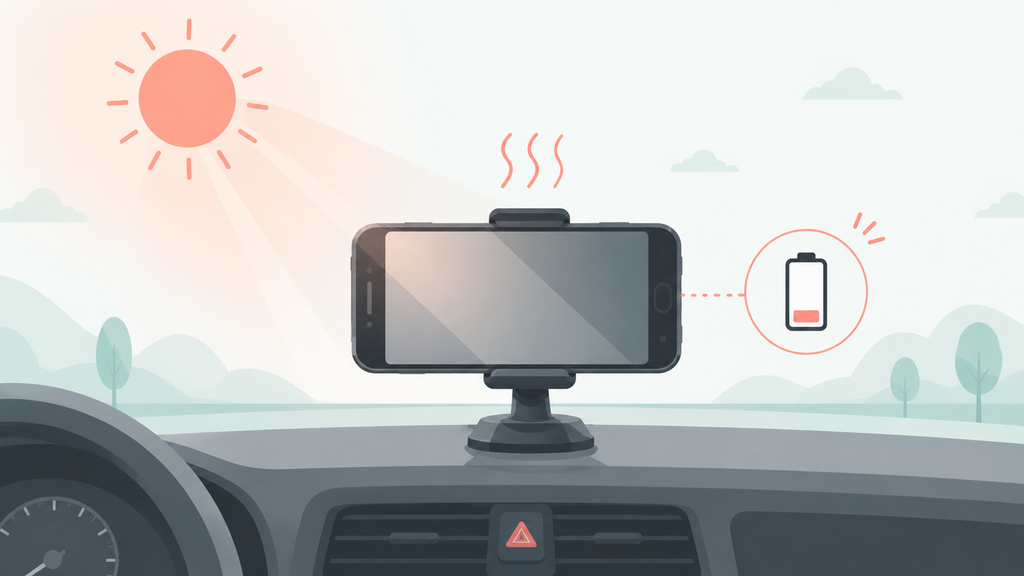
This is the part that matters most and gets glossed over in a lot of “reuse your old phone” advice. A phone left mounted on a dashboard in direct sunlight, especially in warmer months, can reach temperatures well beyond what the battery inside it was designed to handle regularly. Lithium-ion batteries exposed to sustained high heat are more prone to degrading faster, swelling, and in more serious cases, becoming a genuine fire risk — this isn’t unique to using a phone as a dash cam specifically, but a dashboard is one of the hotter places a phone can sit for hours at a time, repeatedly, over months.
Over six months, I didn’t have a safety incident, but I did notice the phone’s battery health drop faster than it would have under normal daily use, and by month five there was slight, just barely noticeable swelling at the back of the phone. That’s when I stopped the experiment rather than pushing it further, and it’s the single biggest reason I wouldn’t recommend this as a permanent setup without real precautions.
Old Smartphone vs. Dedicated Dash Cam, Honestly
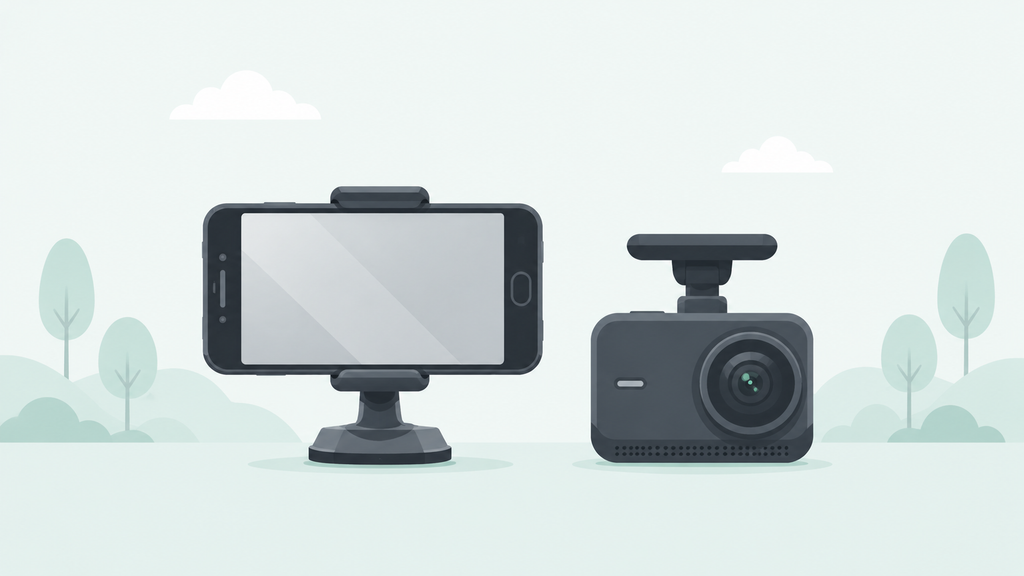
Cost was clearly in the old phone’s favor — effectively free beyond a mount and cable, versus a real cost for even a basic dedicated dash cam. Daytime video quality was close enough not to matter for most casual use. Night footage, power reliability, and long-term heat safety all favored the dedicated dash cam clearly, by a wider margin than I expected before starting this.
What to Actually Do If You Try This
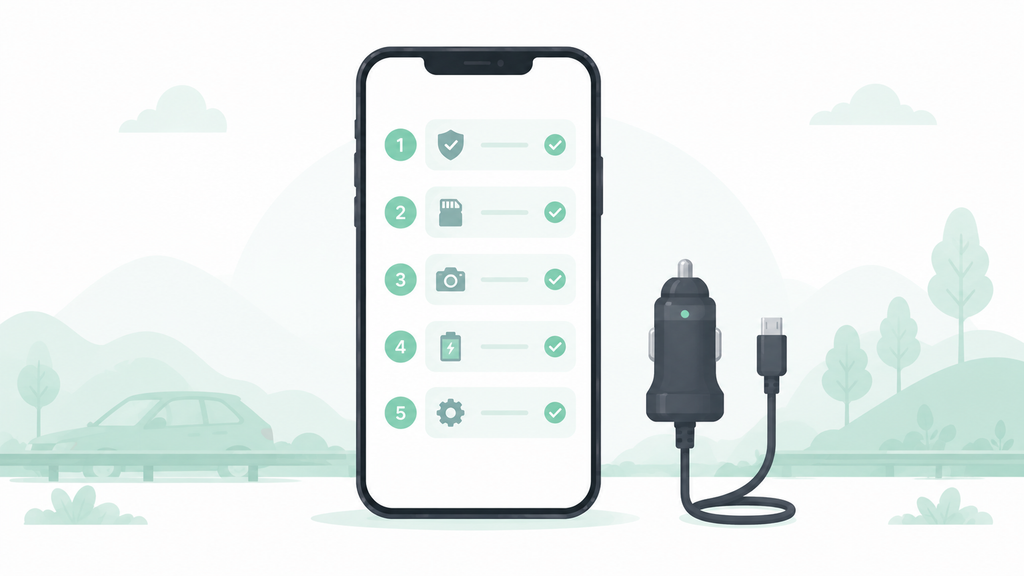
If repurposing an old phone as a dash cam still sounds worth trying after all of that, here’s what actually helped limit the downsides over six months:
- Use a mount that keeps the phone out of direct sunlight as much as the dashboard layout allows, rather than the most visually convenient spot — this made a measurable difference in how hot the phone got on sunny days.
- Use a hardwired car charging kit rather than a cable running to a 12V outlet, since a stable, dedicated connection avoided the mid-drive power loss that a slightly loose cable caused twice in this test.
- Check the phone’s battery-saving and background app settings specifically for the dash cam app, not just toggling one general setting — this varies by phone brand and is worth searching for by exact model.
- Check battery health monthly rather than assuming it’s fine, since swelling and faster-than-normal degradation can develop gradually and aren’t always obvious just by looking at the phone.
- Treat it as a temporary or backup solution rather than a permanent one if daily long-hour heat exposure is unavoidable in your specific parking situation, and be willing to stop if battery health drops noticeably or any swelling appears.
Frequently Asked Questions
Is it safe to leave an old smartphone as a dash cam long-term? It can work for a while, but sustained heat exposure on a dashboard increases the risk of faster battery degradation and swelling over months, which is worth monitoring rather than ignoring.
How does video quality compare to a dedicated dash cam? Daytime footage was close enough to be usable for most casual purposes in this test, but night and low-light footage was noticeably weaker than what a dedicated dash cam’s sensor handles.
Do I need a special app, or does the regular camera app work? A dedicated dash cam app matters — it handles loop recording, automatic overwriting of old footage, and event-based clip protection, none of which the standard camera app is built to do.
What’s the biggest risk of using an old smartphone as a dash cam? Heat-related battery degradation and swelling from sustained sun exposure on the dashboard was the most significant long-term risk in this test, more than any video quality or software issue.
The Real Difference
After six months, using an old smartphone as a dash cam held up well for daytime footage and cost nothing beyond a mount and charging cable, but the combination of weaker night footage, occasional power interruptions, and gradual heat-related battery wear added up to real tradeoffs a dedicated dash cam doesn’t have. It’s a reasonable temporary or backup option, but not one to treat as a permanent replacement without watching the battery closely.
📍 Read Next: If a dash cam setup isn’t the direction and the old phone is headed for retirement instead, it’s worth knowing what the options actually are — I Looked Into What Actually Happens to Recycled Phones. covers that side of it.