A spam call blocker sounds like it should just work once you turn it on, but I was getting close to a dozen robocalls a week and had never actually gone through every layer of blocking my phone and carrier already offered. Most of it was sitting there half-configured, doing less than I assumed it was.
So I turned everything on at once, tracked calls for two weeks, then started disabling pieces one at a time to see what was actually doing the work. Here’s what stopped the calls, and what turned out to be mostly noise.
Why You’re Getting So Many Spam Calls in the First Place
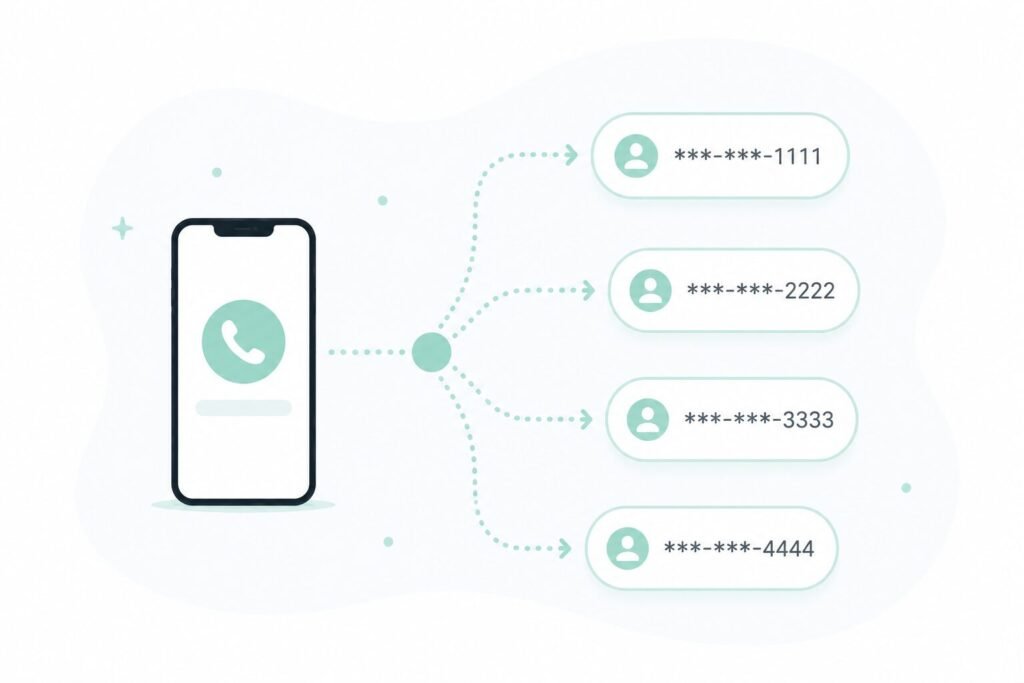
Most spam calls today rely on a technique called number spoofing, where the caller ID displays a fake number designed to look local, familiar, or even identical to a contact already saved on your phone.
Spoofing is also why blocking a specific number rarely works for long — the next call just comes from a different fake number, sometimes within the same hour. This is part of why phone numbers that show up in data breaches tend to see a noticeable uptick in spam afterward, since leaked contact information gets bought and sold specifically for this kind of targeting.
Carrier-Level Spam Blocking
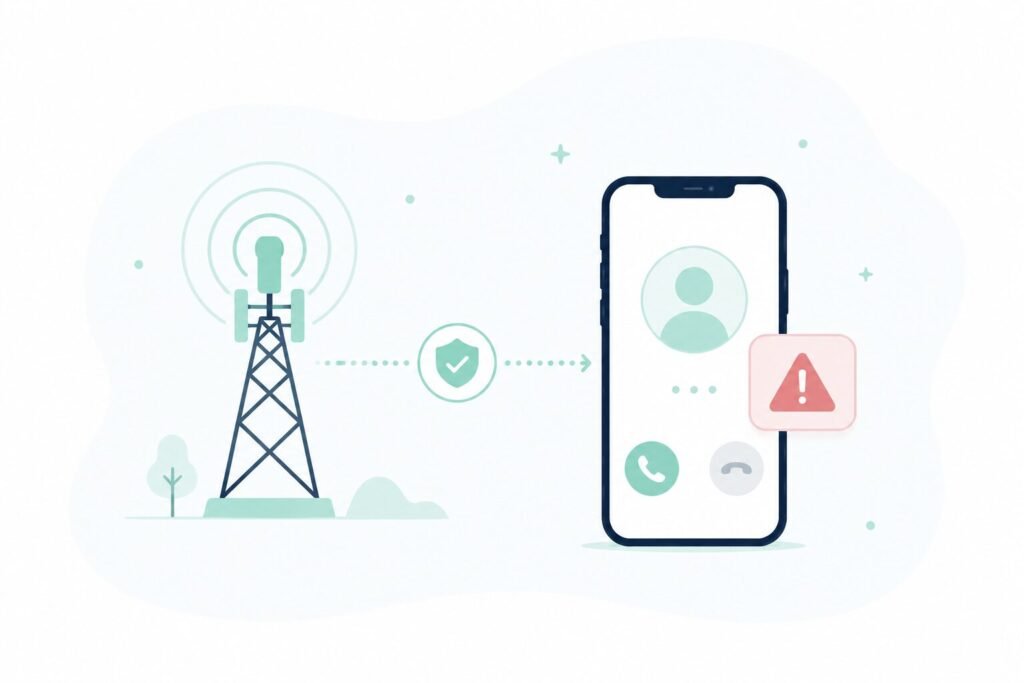
All three major US carriers now offer spam call protection built into the network itself, separate from anything on the phone.
Most carriers automatically label likely spam calls as “Spam Likely” or similar directly in the caller ID, based on network-wide call pattern analysis rather than anything specific to your phone. This layer runs whether or not you’ve set anything up, but each carrier also offers a free app (or a paid tier with more aggressive filtering) that adds automatic call blocking on top of the labeling.
Checking whether this is actually turned on is worth doing first, since a surprising number of phones have the labeling feature but not the blocking feature enabled.
Built-In Phone Features
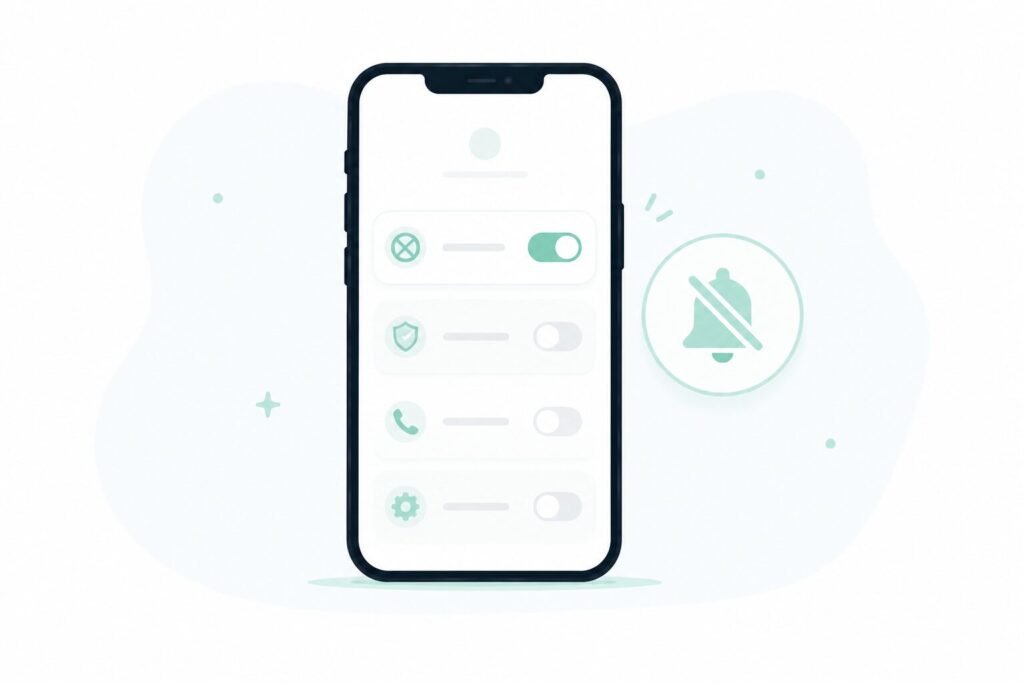
Both iPhone and Android include their own spam protection layered on top of whatever the carrier provides.
iPhone: Settings → Phone → Silence Unknown Callers sends any call from a number not in your contacts straight to voicemail without ringing at all.
Android: Phone app → three-dot menu → Settings → Caller ID & spam protection filters and flags likely spam calls using Google’s own database, similar to what carriers do at the network level.
The tradeoff with Silence Unknown Callers specifically is that it silences everything unknown, including legitimate calls from numbers you haven’t saved yet — a delivery driver, a doctor’s office, a callback from somewhere you applied to. It works well for blocking volume, but it’s worth knowing what it also blocks along with the spam.
What Actually Stopped the Calls
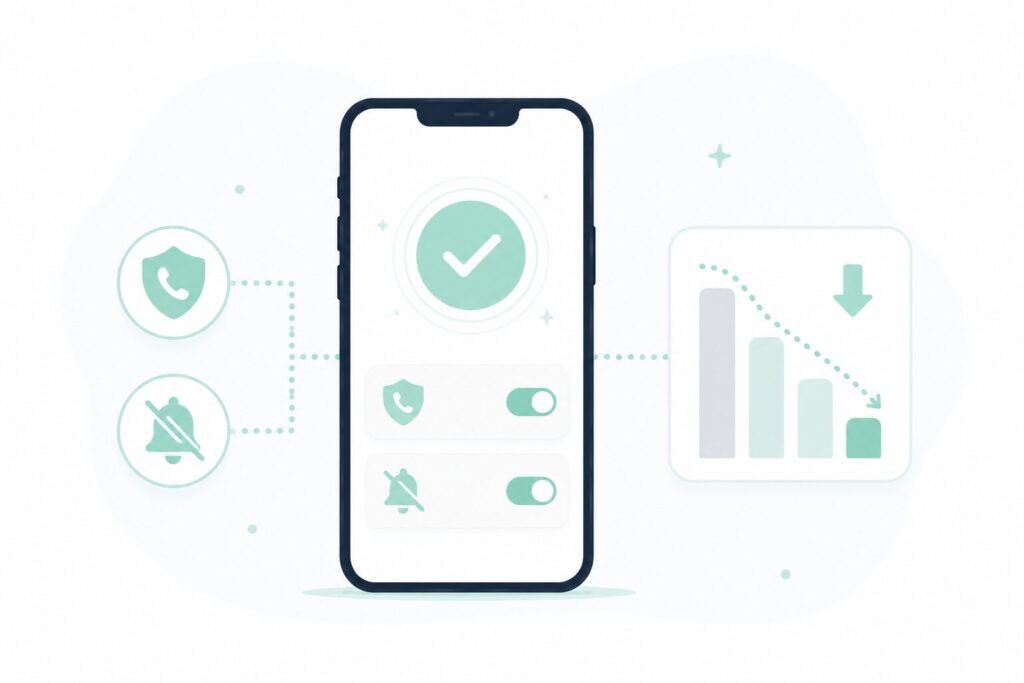
After two weeks of testing pieces individually, the results weren’t evenly split.
Carrier-level blocking did most of the heavy lifting. Turning on the carrier’s free spam-blocking app cut the weekly call count by more than half on its own, before touching any phone settings at all.
Silence Unknown Callers stopped nearly everything else, but at the cost of missing two legitimate calls during the test period that I only noticed later in voicemail.
Manually blocking individual numbers barely mattered. Spoofed numbers change too often for this to meaningfully reduce the total volume over time, even though it feels productive in the moment.
The combination that ended up working best was carrier-level blocking left on permanently, with Silence Unknown Callers reserved for weeks when call volume spikes rather than running constantly.
Frequently Asked Questions
Do paid third-party spam-blocking apps work better than the free carrier options? Some offer more aggressive filtering or crowdsourced spam databases, but the free carrier-level blocking already handles the majority of common robocalls for most people, so a paid app is more of an incremental improvement than a required fix.
Why do I still get spam calls even with blocking turned on? No blocking method catches everything, since spoofed numbers are specifically designed to look legitimate. A meaningful reduction, rather than complete elimination, is the realistic outcome of any combination of these tools.
Does registering my number on the National Do Not Call Registry actually help? It reduces calls from legitimate telemarketers who follow the rules, but has little effect on the robocalls and scam calls that ignore regulations entirely, which make up most of the volume people experience today.
Should I answer a spam call to tell them to stop calling? No — answering, even briefly, usually confirms to the caller that your number is active and monitored by a real person, which tends to increase future call volume rather than reduce it.
The Real Fix
Carrier-level spam blocking handled most of the problem on its own, and the phone’s built-in silencing feature covered nearly everything left over, at the cost of occasionally silencing a legitimate call along with the spam. Manually blocking individual numbers, despite feeling like the most direct fix, turned out to matter the least.
📍 Read Next: If your number has been showing up in more spam calls than usual, it’s worth checking whether it’s connected to a wider leak — I Ran My Email Through a Data Breach Checker. It Showed Up 6 Times. covers how to check.