A data breach checker is one of those tools people know exists but rarely actually use, mostly because nobody wants to find out the answer. I finally ran my main email through one out of curiosity more than concern, expecting maybe one or two old, forgotten accounts to show up. Instead, six separate breaches came back, going as far back as a service I’d completely forgotten signing up for.
None of it turned out to be the emergency it sounded like at first. Here’s what the results actually meant, and what I fixed because of them.
What a Data Breach Checker Actually Tells You
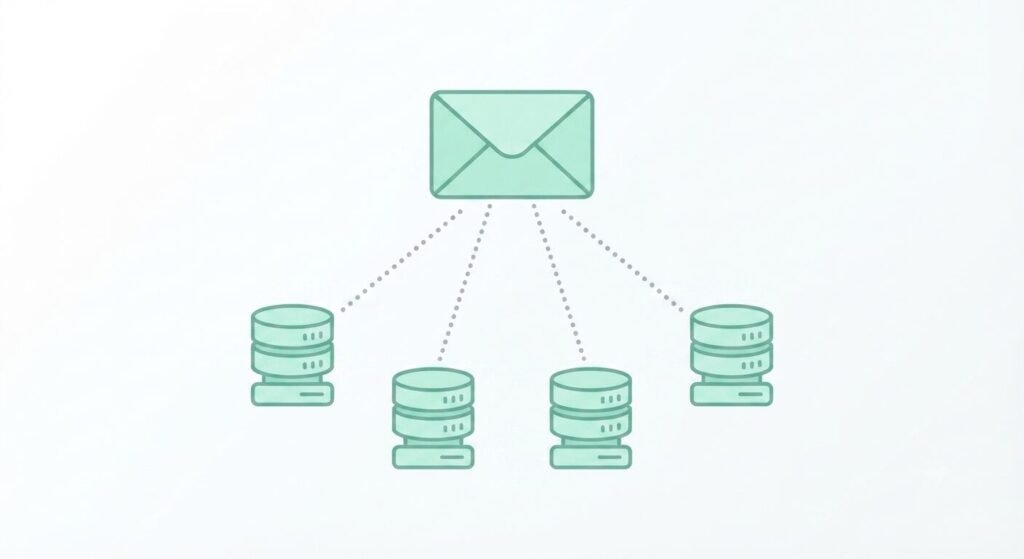
A breach checker works by cross-referencing your email address against databases of known, publicly disclosed data breaches — services that got hacked, and had user data (emails, sometimes passwords) leaked as a result.
Checking is simple: type your email into a reputable checker like Have I Been Pwned, and it lists every known breach your address has appeared in, along with what kind of data was exposed in each one — email only, or email plus a password, security questions, or more.
A few things worth understanding about the result:
- Showing up doesn’t mean your current accounts are compromised right now
- The breach could be from a service you closed years ago, or one that only ever had your email on file
- Some breaches expose passwords in plain text; others only expose that the account existed at all
What Showing Up Actually Means
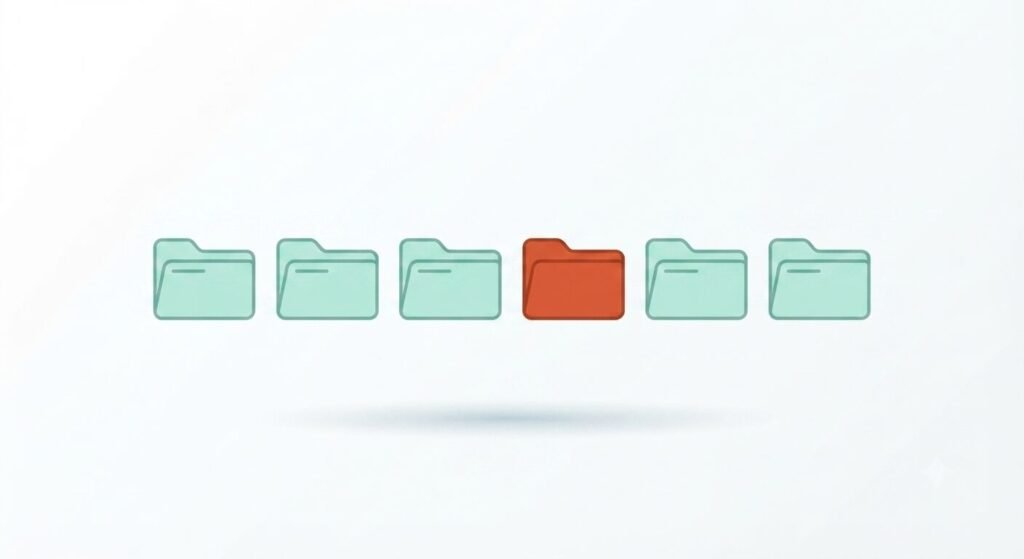
Out of my six results, four were old accounts I’d abandoned years ago, one was a service that only ever had my email address exposed with nothing else attached, and one included a password that I recognized as one I’d used on multiple sites at the time.
That last one is the actual problem. A breach involving just your email is mostly a non-event. A breach that includes a password you’ve reused elsewhere is the one worth acting on immediately, since that password is now effectively public for anyone who finds it in the leaked data.
Why Password Reuse Is the Real Problem

The breach itself usually isn’t what causes damage down the line — reusing the exposed password on other accounts is.
Attackers routinely take leaked email-and-password combinations from one breach and try them against other popular services, a technique called credential stuffing. If the same password unlocks your email, a shopping account, and a banking app, one old breach from a site you forgot existed can end up affecting accounts that have nothing to do with the original leak.
This is also where a lot of forgotten account cleanup overlaps with account security more broadly — I went through a similar kind of check in my phone privacy audit, and abandoned subscriptions tend to be exactly the kind of account people forget still has an old, reused password sitting on file.
Fixing It: 2FA and a Password Manager
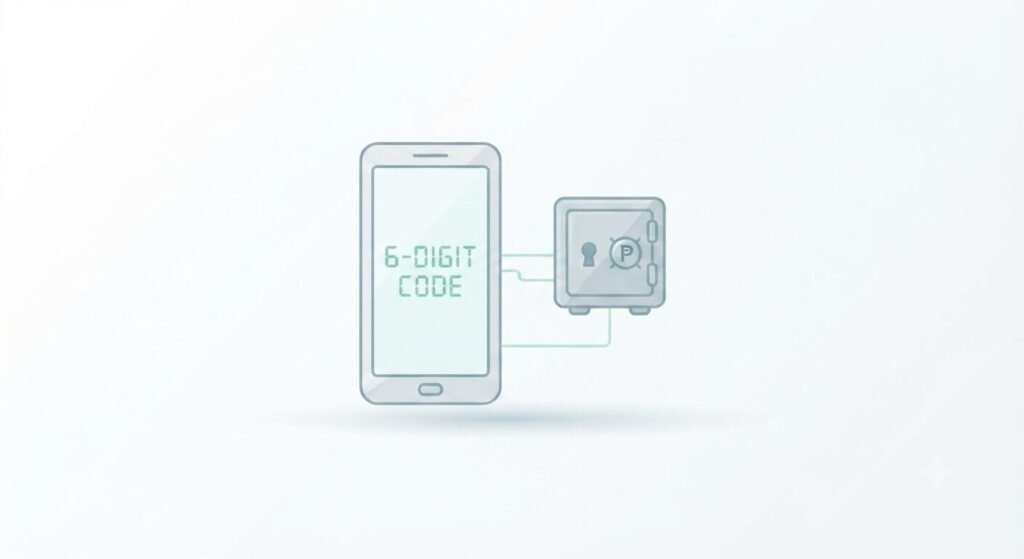
The fix for password reuse isn’t remembering more passwords — it’s not needing to remember them at all.
Turn on two-factor authentication (2FA) on anything that offers it, especially email, banking, and any account tied to payment information. Even if a password leaks, 2FA usually blocks the login attempt outright.
Use a password manager to generate and store a unique password for every account. Most phones now include one built in (iCloud Keychain, Google Password Manager), so this doesn’t require installing anything extra to get started.
Prioritize changing passwords on accounts that showed a plain-text password in the breach results first, rather than trying to change everything at once. The accounts still using that exact password anywhere else are the ones with real, immediate exposure.
If you’re already going through old accounts for other reasons, it’s worth doing this alongside a check of forgotten subscriptions — the same abandoned accounts tend to show up in both lists.
Frequently Asked Questions
Is it safe to type my email into a data breach checker? Reputable checkers like Have I Been Pwned only require your email address, not your password, and simply check it against their existing breach database. Avoid any checker that asks you to enter your current password to “verify” the result.
How often should I check for new breaches? Checking every few months is reasonable for most people. Some services also offer ongoing breach monitoring that alerts you automatically when your email shows up in a new one, which removes the need to check manually at all.
Does showing up in a breach mean my account was hacked? Not necessarily. It means the service you used experienced a breach and your data was included in what got exposed — your specific account may or may not have been individually accessed as a result.
What should I do first if a breach exposed a password I still use somewhere? Change that password everywhere it’s currently reused, starting with email and financial accounts, then turn on 2FA on those same accounts if it isn’t already enabled.
The Real Takeaway
Showing up in a data breach checker sounds alarming, but most results turn out to be old, low-stakes accounts rather than an active emergency. The one thing actually worth acting on is password reuse — checking whether an exposed password is still protecting anything else you use today is a better use of the ten minutes than reading through every breach in detail.
📍 Read Next: While you’re auditing old accounts, it’s worth checking what else might be quietly hanging around — I Found $47 a Month in Forgotten App Subscriptions Hiding on My Phone covers the same kind of cleanup from a different angle.