AI battery drain is one of those things everyone assumes is happening but almost nobody actually measures. My phone had quietly picked up half a dozen AI-powered features over the last couple of updates — photo suggestions, live translation, an on-device assistant that summarizes notifications — and I’d never once checked what any of it was actually costing me.
So I ran a real test: one week with everything on, one week with the AI features stripped down to nothing. Here’s what actually moved the needle, and what turned out to barely matter.
What Counts as “AI” on Your Phone Right Now

Before testing anything, it’s worth being specific about what’s actually running, since “AI” on a modern phone covers a wider range of features than people usually picture.
- On-device photo processing — automatic subject detection, background blur, suggested edits
- Live translation and transcription — real-time captions, translating text through the camera
- Notification summaries — condensing a pile of app alerts into a short digest
- Predictive suggestions — next-word typing predictions, suggested replies, app suggestions based on habit
Some of these run constantly in the background. Others only activate when you specifically open a feature. That distinction ends up mattering a lot for battery impact.
The One-Week Test: AI On vs AI Off
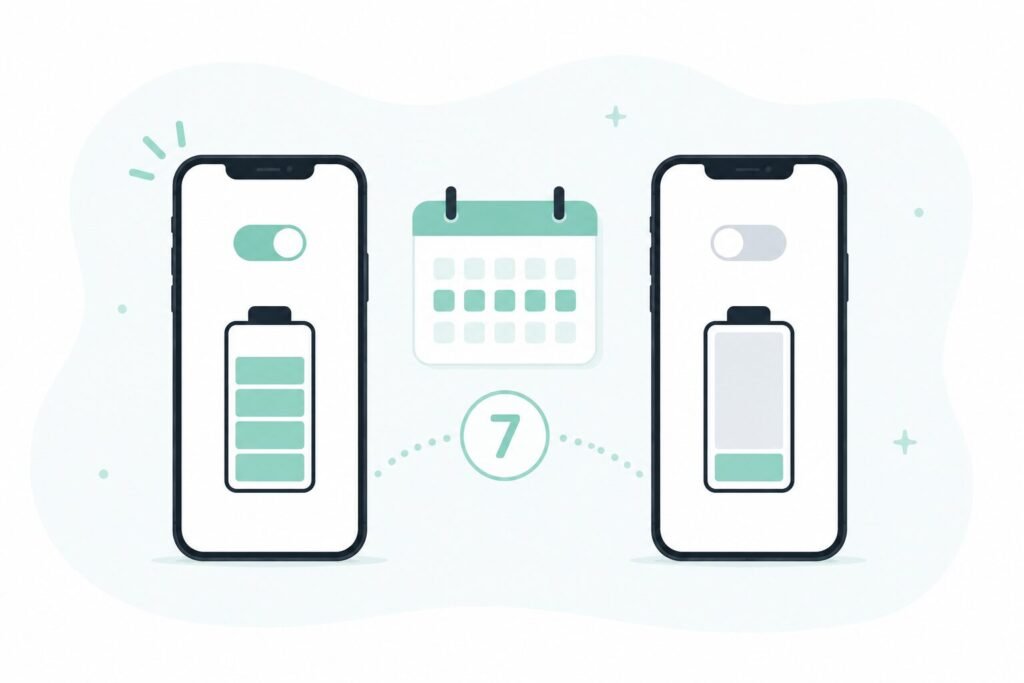
I used the phone the same way both weeks — same apps, similar screen time, same charging routine — and compared battery health reports at the end of each week.
Week one, everything on: Screen-on battery drain averaged noticeably higher, and the phone ran warmer during normal use, not just heavy tasks.
Week two, AI features turned off: Battery lasted meaningfully longer per charge, and the warmth during regular scrolling and messaging mostly disappeared.
The gap wasn’t small. But it also wasn’t evenly spread across every feature — some of it came from exactly one source.
The Feature That Actually Cost the Most Battery
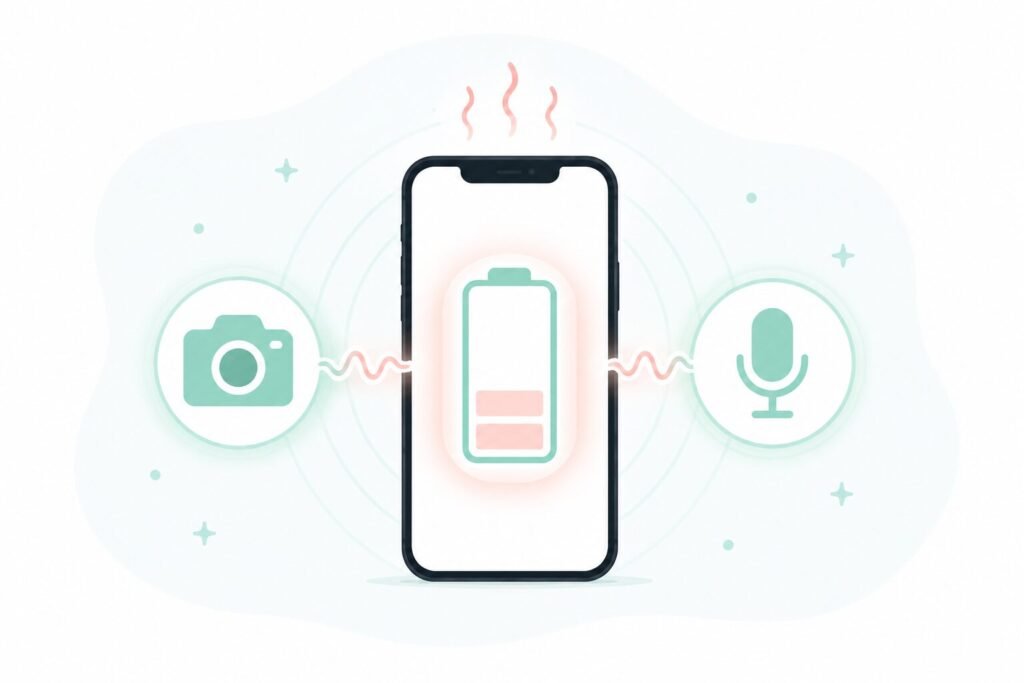
Live translation and real-time transcription were, by a wide margin, the heaviest features tested. Anything that keeps the camera or microphone actively processing in real time pulls noticeably more power than features that just analyze something once and stop.
Photo suggestions and background blur, by comparison, barely showed up in the difference between the two weeks. Those run in short bursts right when you’re editing a photo, not continuously in the background, so their total battery cost stayed low even with regular use.
Notification summaries landed somewhere in the middle — measurable, but nowhere close to the live translation feature.
What’s Worth Keeping On Anyway

Turning off the heaviest feature doesn’t mean turning off all of them. A few are worth keeping simply because the battery cost is small relative to how often they get used.
- Keep: photo editing suggestions, predictive text — low battery cost, used constantly, genuinely useful
- Turn off or use selectively: live translation, real-time transcription — only worth the battery hit when actually needed, not left running by default
- Your call: notification summaries — moderate cost, worth keeping if it actually saves you time reading through alerts
If battery life has been bothering you for reasons beyond AI features specifically, my phone battery guide covers the more general habits that matter just as much, sometimes more.
Frequently Asked Questions
Does turning off AI features actually make a noticeable difference for most people? For features that run constantly in the background, yes. For features that only activate when opened, the difference is usually small enough that most people won’t notice it in daily use.
Is live translation always this heavy on battery, or does it vary by phone? It varies by hardware, but real-time camera and microphone processing is consistently one of the more demanding tasks across phones, regardless of brand.
Can I turn off just one AI feature instead of all of them? Yes, on most phones each AI feature has its own toggle in settings rather than a single master switch, so testing them individually is usually straightforward.
Should I track my own battery usage the same way I tracked screen time? It’s a similar kind of audit. I ran something close to this test in my 30-day screen time check, and the same habit of actually measuring instead of guessing applies here too.
The Real Cost Worth Knowing
Not every AI feature on a phone costs the same, and the biggest drain usually comes from a small number of always-on, real-time features rather than the ones people assume are the problem. Testing your own phone for a week, rather than turning everything off out of general suspicion, is the more useful habit.
📍 Read Next: If AI features aren’t the main culprit on your phone, the bigger habits are worth checking too — I Killed My Last Phone’s Battery in 14 Months covers what actually moved the needle for me long-term.