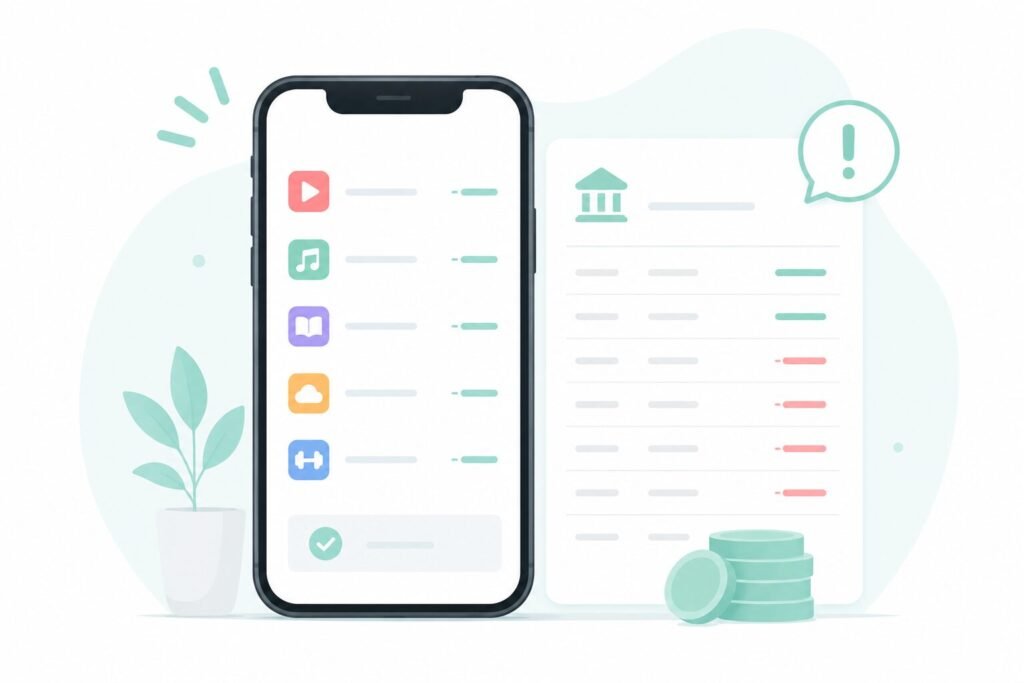
Forgotten app subscriptions have a way of hiding in plain sight until you actually go looking for them. I was scrolling through my bank statement looking for a totally different charge when three small recurring payments caught my eye. A meditation app I’d used exactly twice. A photo editor I switched away from a year ago. A cloud storage tier I upgraded to during a work project that ended in spring. None of them were big on their own — $4.99 here, $12.99 there — but added up, they came to $47 a month I hadn’t thought about in months.
I went through every subscription on my phone that weekend. Here’s what I found, and where to check your own.
Where Your Subscriptions Actually Live
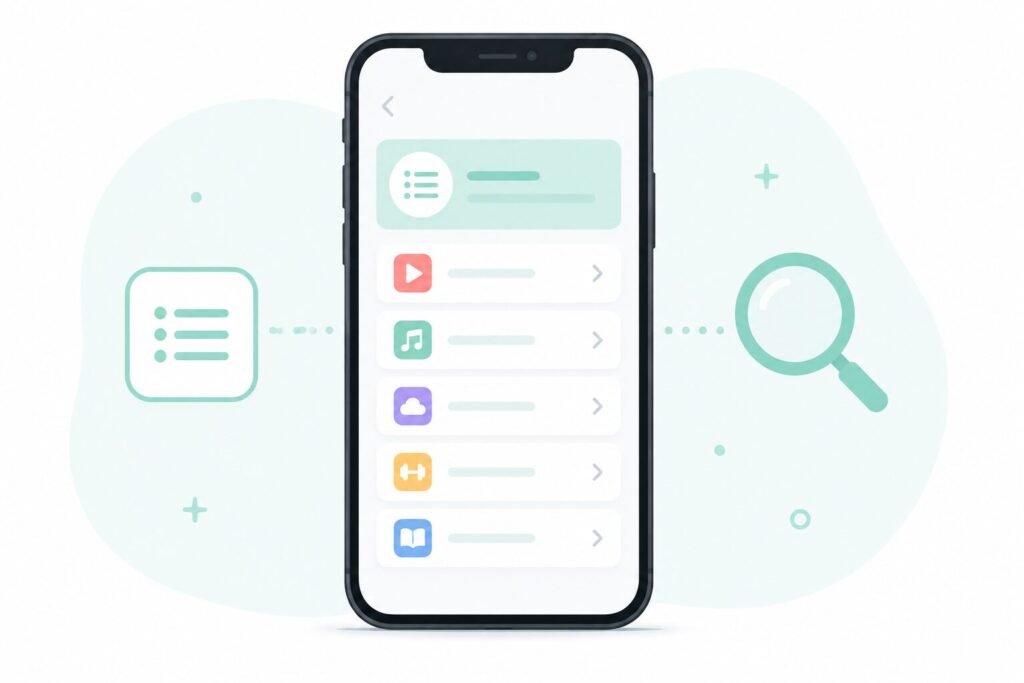
Both iPhone and Android keep a full list of active subscriptions in one place, but it’s buried deep enough that most people never stumble onto it by accident.
iPhone: Settings → [your name] → Subscriptions
Android: Google Play Store → tap your profile icon → Payments & subscriptions → Subscriptions
Pull up that list before doing anything else. Most people are surprised by at least one entry on it — either something they forgot existed, or a price that quietly went up since they signed up.
A few things to look for on that list:
- Anything you haven’t opened the app for in more than a month
- Any subscription priced higher than what you remember agreeing to
- Duplicate-sounding entries (two note-taking apps, two VPNs, that kind of overlap)
The Free Trial Trap
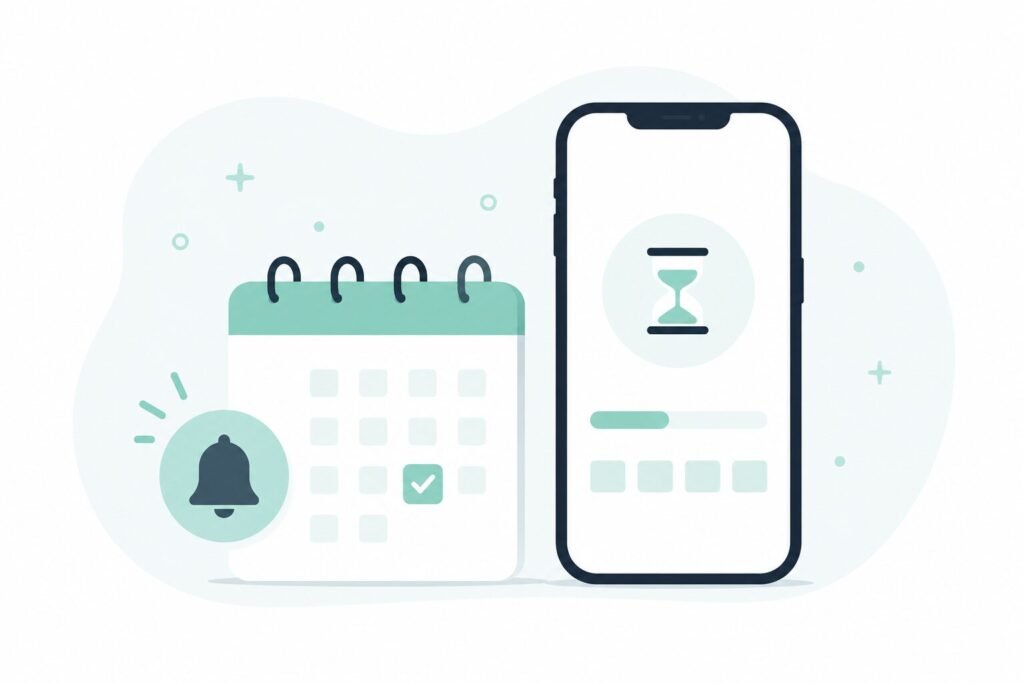
The subscription that cost me the most wasn’t one I’d forgotten about — it was one I’d signed up for on purpose and then just never got around to canceling.
Free trials are built around a simple bet: most people won’t cancel before the trial ends, either because they forget or because canceling feels like more effort than it’s worth in the moment. Setting a calendar reminder for the exact day before a trial converts fixes this almost entirely.
On iPhone, when you start a trial, the subscription page shows the exact renewal date under Settings → [your name] → Subscriptions. On Android, the same date shows up under Payments & subscriptions. Either way, that date is worth putting straight into your calendar the same day you sign up, not the day you remember to check.
Family Sharing Can Quietly Double a Bill
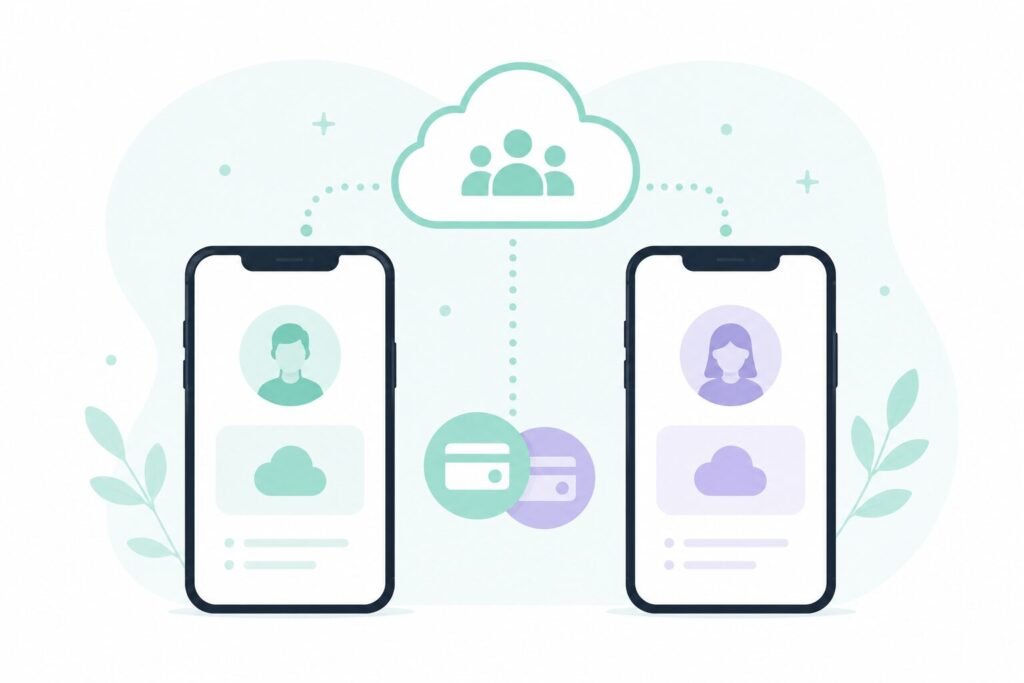
If you share subscriptions with family members, it’s worth confirming everyone is actually on the shared plan rather than each paying for their own version.
This happens more than people expect: someone signs up individually before family sharing gets set up, and the individual subscription just keeps renewing in the background alongside the shared one. Two people paying for one household’s streaming service, or a parent and an adult child each paying separately for cloud storage that could be shared, are both common versions of this.
On iPhone: Settings → [your name] → Subscriptions will show whether a subscription is shared or individual.
On Android: Family Link or the Play Store’s family settings show the same breakdown.
If your household relies heavily on shared apps, it’s worth pairing this check with a look at how notifications and permissions are set up across everyone’s devices — I went through that process in my phone privacy audit, and a lot of the same settings screens come up again here.
Canceling in the App Doesn’t Always Cancel the Charge
This is the one that catches the most people off guard: some subscriptions bought through an app’s own checkout still need to be canceled through the app store itself, not just within the app.
Deleting the app, or canceling a plan from inside the app’s own settings menu, doesn’t necessarily stop the billing if the subscription was purchased through Apple’s or Google’s payment system. The actual cancellation has to happen through Settings → Subscriptions (iPhone) or Play Store → Payments & subscriptions (Android), regardless of what the app itself shows.
If you’ve ever deleted an app assuming that ended the subscription, it’s worth double-checking the subscriptions list to confirm it actually stopped.
Frequently Asked Questions
How often should I check my phone’s subscription list? Once every couple of months is enough for most people. Pricing changes, forgotten trials, and abandoned apps tend to accumulate slowly, so a quarterly check usually catches most of what matters.
Will canceling a subscription delete my account or data with that service? Usually not immediately. Most services keep your account and data available for some time after cancellation, though the exact window varies by app — checking the specific app’s cancellation policy is worth doing if you plan to resubscribe later.
Why did my subscription price go up without me agreeing to it? Many subscriptions include price-increase clauses in their original terms, and notification of a price change is often a small in-app banner or email rather than something requiring active confirmation. That’s part of why checking the list directly, rather than relying on noticing an email, catches more of these.
Is there a way to get notified before a free trial converts to a paid subscription? Both iPhone and Android will show the exact renewal date on the subscription’s detail page the moment you sign up. Setting your own calendar reminder for that date is currently the most reliable method, since the platforms don’t send an advance warning by default in every case.
Worth the Fifteen Minutes
Checking your app subscriptions takes less time than most of the shows and apps on that list. My own pass turned up $47 a month that I hadn’t looked at in a long time — three subscriptions cancelled, one moved onto a shared family plan, and one price increase I ended up keeping because the app was still genuinely useful to me.
If you’re also trying to get a better handle on how much time and money your phone habits quietly add up to, my 30-day screen time check covers a similar kind of audit for how you’re actually using your phone day to day.
📍 Read Next: Curious what else might be worth auditing on your phone? I Did a Privacy Audit on My Own Phone. It Was Uncomfortable. covers the settings side of the same idea.