It was a summer afternoon, I’d been navigating with GPS while it charged in the cupholder, and when I picked it up to check a text, it genuinely stung. Not “warm” — stung. That’s overheating, plain and simple.
Turns out a little warmth during heavy use is completely normal. But when a phone crosses into actually-hot territory, that’s not your imagination — it’s quietly frying the battery and stressing the processor every single time it happens. That crossing point is what overheating actually means, and it happens more often than most people realize.
Here’s what I changed after that day.
1. Take the case off the second it gets hot
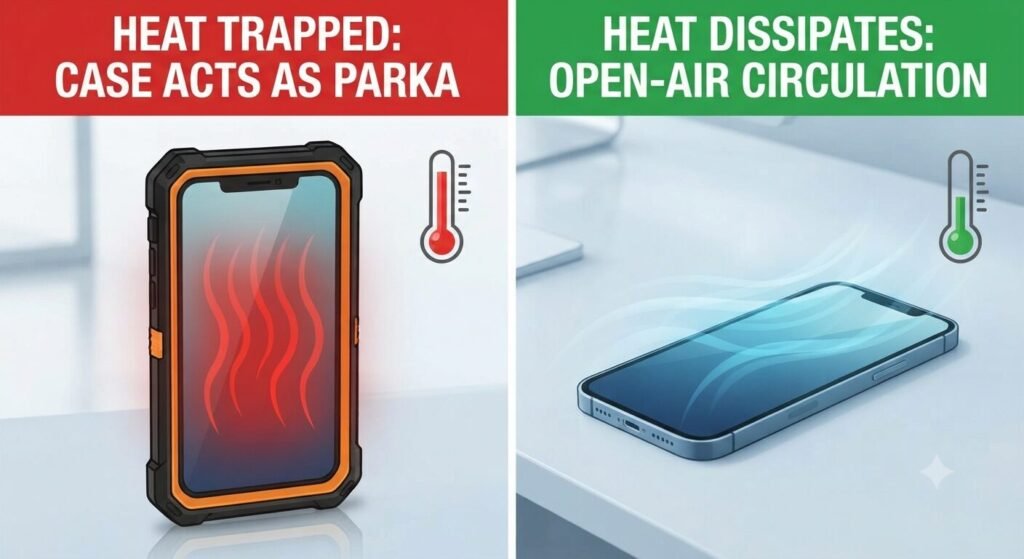
A thick, rugged case is great for drops, terrible for heat. It traps warmth against the phone like a winter coat. The moment mine feels legitimately warm, the case comes off immediately. Air circulation alone drops the temperature faster than you’d expect.
2. Sunlight is worse than you think
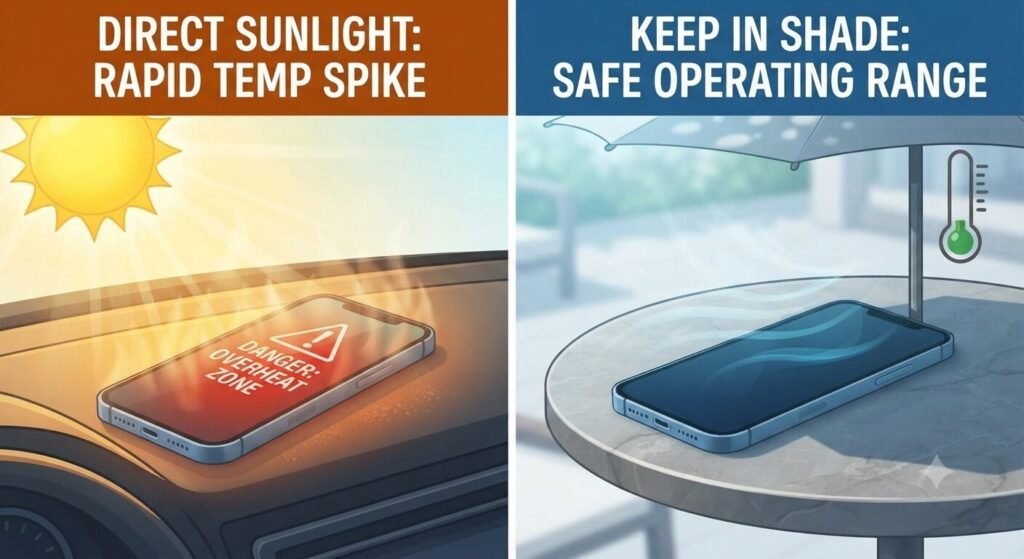
Leaving a phone on a car dashboard or a sunny patio table isn’t just “a bit warm” — direct UV plus ambient heat can push internal temps to genuinely dangerous levels within minutes. I keep mine face-down in the shade now, or just in my bag. Simple fix, easy to forget.
3. Heavy apps + background chaos = your processor working overtime
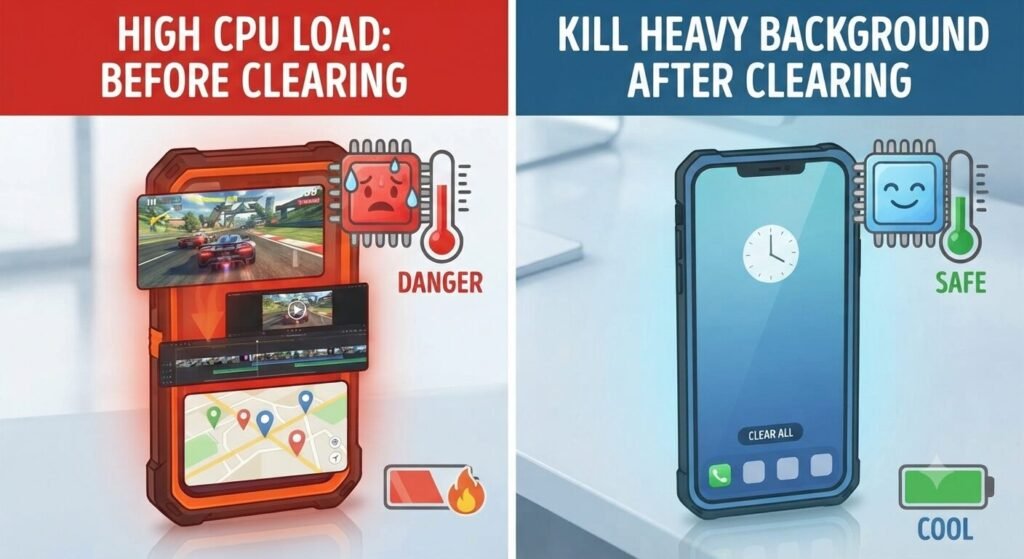
Running a 3D game or editing video while five apps ping GPS in the background is basically asking your CPU to sprint and jog at the same time. Closing what you’re not using gives the processor — and the battery underneath it — a chance to actually cool down.
4. Don’t fast-charge a phone that’s already hot
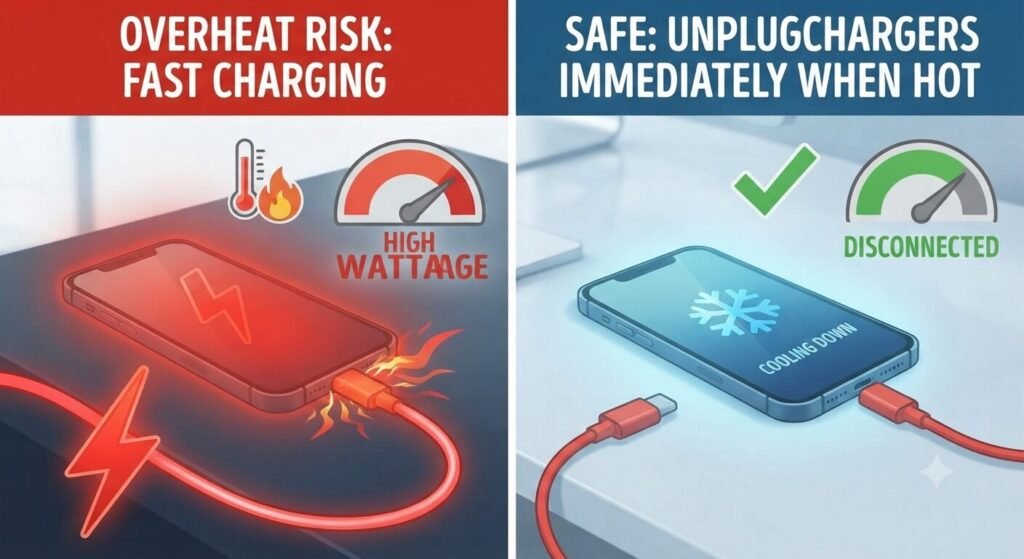
Charging generates heat on its own. Pumping high-wattage fast charging into a phone that’s already warm just compounds the problem. If it feels hot, unplug it, let it cool to room temp, then plug back in. It’s a small delay that protects the battery long-term.
5. When something’s stuck looping, Airplane Mode is the fastest reset
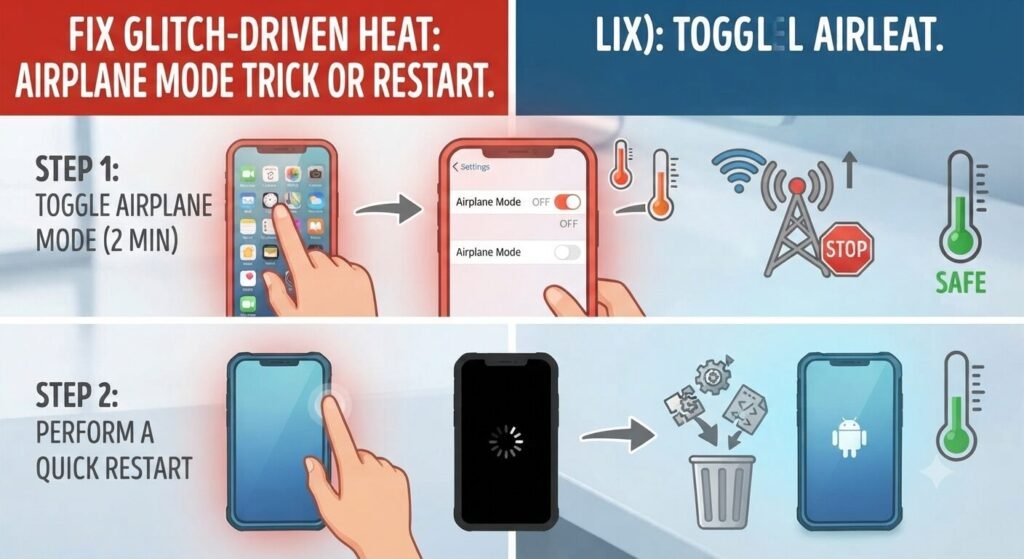
Sometimes a glitching app quietly generates heat behind the scenes without you noticing anything on screen. Toggling Airplane Mode for a minute cuts all radios and forces a clean restart of sorts. If that doesn’t help, a full reboot usually clears whatever’s stuck.
One thing worth knowing: never put a hot phone in the fridge or freezer. That temperature shock creates condensation inside the device, and moisture plus electronics is a much worse outcome than the heat ever was. Let it cool naturally, in the shade, at room temperature.
Heat doesn’t announce itself as an emergency the way a cracked screen does. It just quietly shortens your phone’s life, one warm afternoon at a time. Worth paying attention to before it becomes the reason you’re shopping for a new one.
Frequently Asked Questions
How hot is too hot for a phone?
As a rough guide, if it’s uncomfortable to hold for more than a few seconds, that’s overheating, not normal warmth. Occasional warmth during heavy use or charging is expected; sustained discomfort isn’t.
Can overheating permanently damage my phone?
Yes. Repeated overheating accelerates battery degradation and can stress the processor over time, even if the phone still works fine in the moment.
Is it normal for my phone to get warm during a video call or while gaming?
Some warmth is expected here, since the screen and processor are both working hard. It only becomes a concern when it crosses from warm into genuinely hot to the touch.
Should I turn my phone off completely if it’s overheating?
If removing the case, moving it out of the sun, and closing heavy apps doesn’t help within a few minutes, powering it off for a short while is a safe next step to let it cool fully.
💡 Read Next: Is your phone still lagging after cooling down? Don’t let unwanted screenshots and junk files slow you down—learn [How to Clear Phone Storage Easily] to optimize your device today.