Phone storage problems have a way of finding everyone eventually. It’s easier to find someone without a partner these days than someone without a smartphone. If you just unboxed your phone yesterday, you probably think this article is a waste of time. But if you’ve been rocking the same device for three or four years, you’ve definitely stared down that annoying “Storage Full” notification at the worst possible time. Unless you work with tech or spend your weekends tearing apart gadgets, you’re probably googling how to fix this right now. Consider this post your no-nonsense, everyday guide to getting things back under control.
1. Dig Into the Actual Space-Hoggers
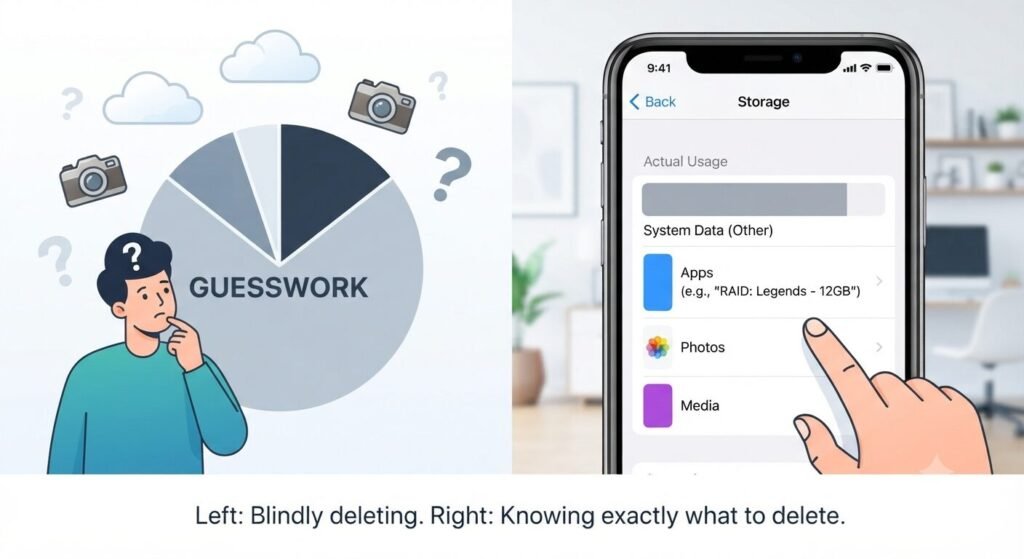
Most of us just guess what’s clogging up our phone, but we’re usually way off. Before you start blindly trashing stuff, actually go into your settings—General > iPhone Storage or Battery and Device Care > Storage on Android—and look at the breakdown.
You’ll almost always find it’s that mysterious “Other” bucket or some massive game you downloaded two years ago and totally forgot about. Finding the actual junk saves you from deleting stuff you actually care about.
2. Clean Out Your App and Browser Junk
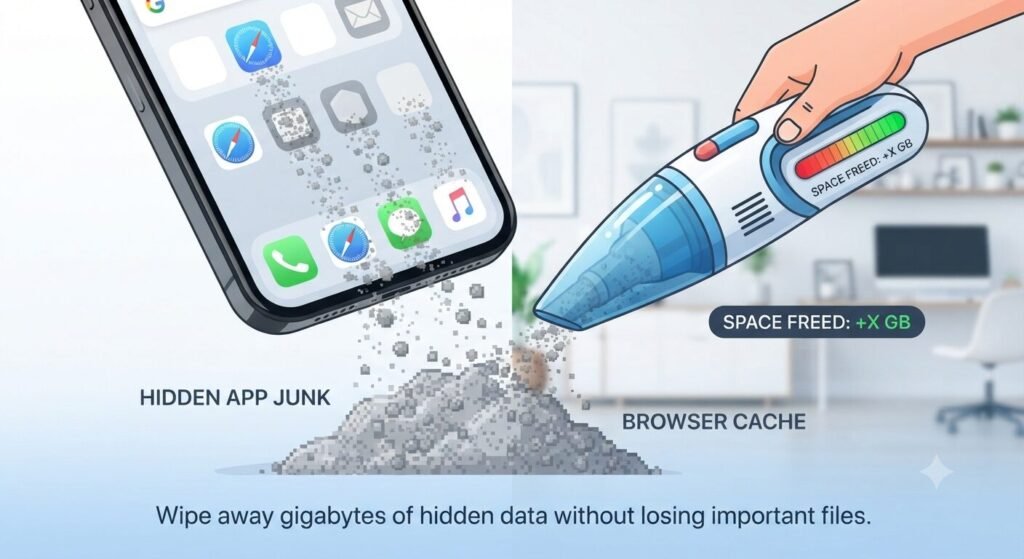
Every single app saves little hidden files so it loads quicker next time. Over the years, those tiny files turn into a massive pile of digital garbage. Your web browser is the absolute worst for this. If you haven’t cleared out Safari or Chrome in forever, you’re sitting on gigabytes of dead weight. Wipe those out every few months to get a quick win of free space without losing anything important.
3. Offload the Apps You Never Open
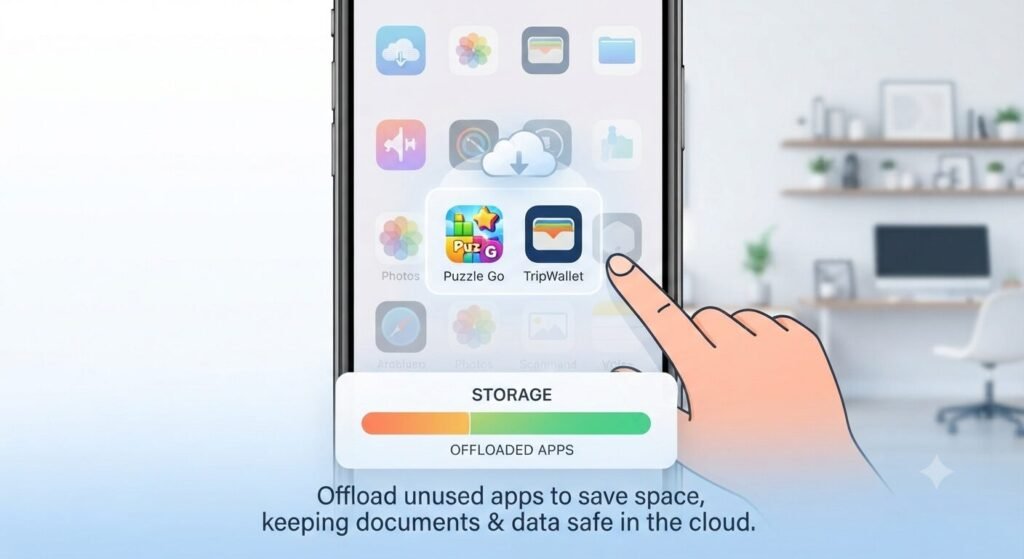
We all have a bunch of apps we keep “just in case”—like that random food delivery app from a trip or a puzzle game you played twice. If you don’t want to fully delete them, use the “Offload” feature on iOS or just clear them out. Your login and data stay safe in the cloud anyway, so if you ever get a weird urge to use it again, tapping download brings it right back.
4. Dump Your Photos and Videos in the Cloud
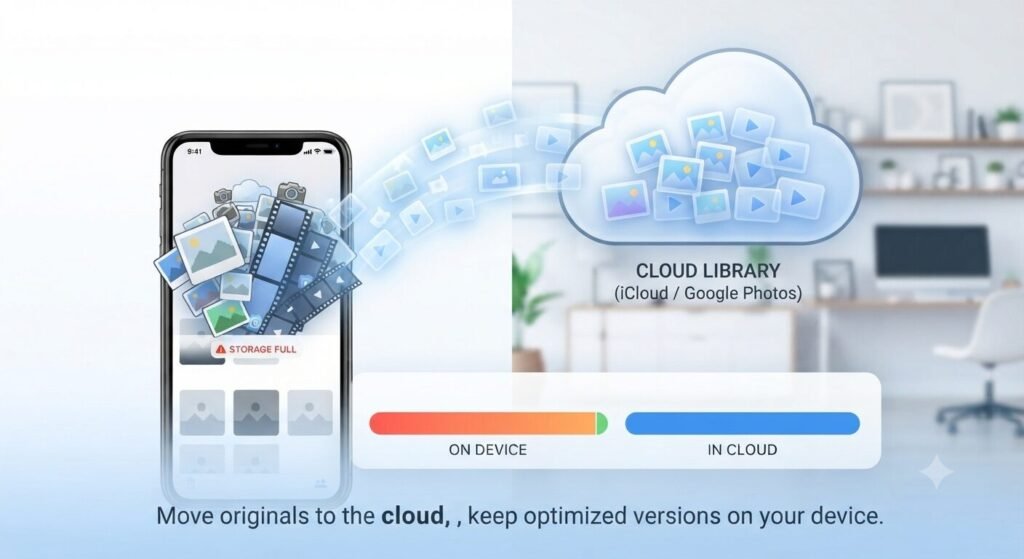
Our camera roll is usually what’s choking the device. Instead of hoarding every blurry photo and massive video locally, let the cloud handle it. Google Photos or iCloud are absolute lifesavers here. Turn on the storage saver setting so your phone keeps low-res thumbnails on the device while the real high-quality files chill safely online.
5. Hunt Down Those Endless Screenshots
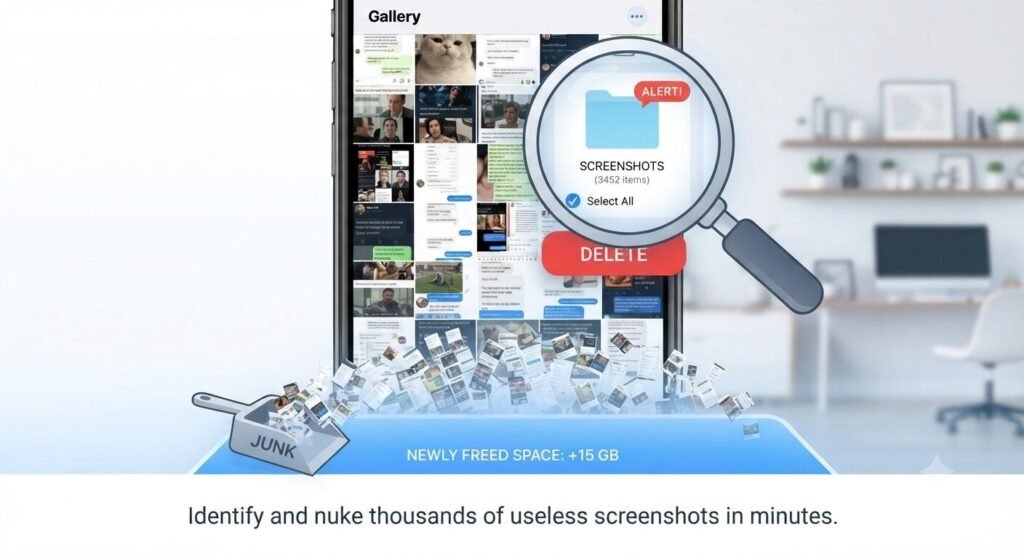
Be totally honest with yourself: how many thousands of random screenshots do you have sitting in your gallery? You took them to remember a text or a meme, and you’re never, ever opening them again. Open your gallery, search for screenshots, and just nuke the whole batch. It takes two minutes and frees up a shocking amount of room.
FAQ: Quick Questions People Ask
- Should I move everything to an external hard drive instead? Honestly, unless you’re a professional photographer with terabytes of RAW files, lugging around a hard drive is overkill for daily life. Cloud storage is just way easier to deal with on the go.
- Does clearing cache actually do anything major? Yes and no. By itself, it might only give you a gigabyte or two back, but combined with cleaning out old apps and photos, it adds up to a noticeable difference.
The Takeaway
You don’t need to drop a grand on a brand new phone just because your current one is throwing a fit over space. Keeping your storage clean isn’t about being a neat freak; it’s just basic phone maintenance. Do a little cleanup today, and that annoying storage warning can finally go away.
💡 Read Next: Want to optimize your phone even further? Check out our top tips on 5 Proven Ways to Double Your Smartphone Battery Life to get the most out of your device.